What this tool does
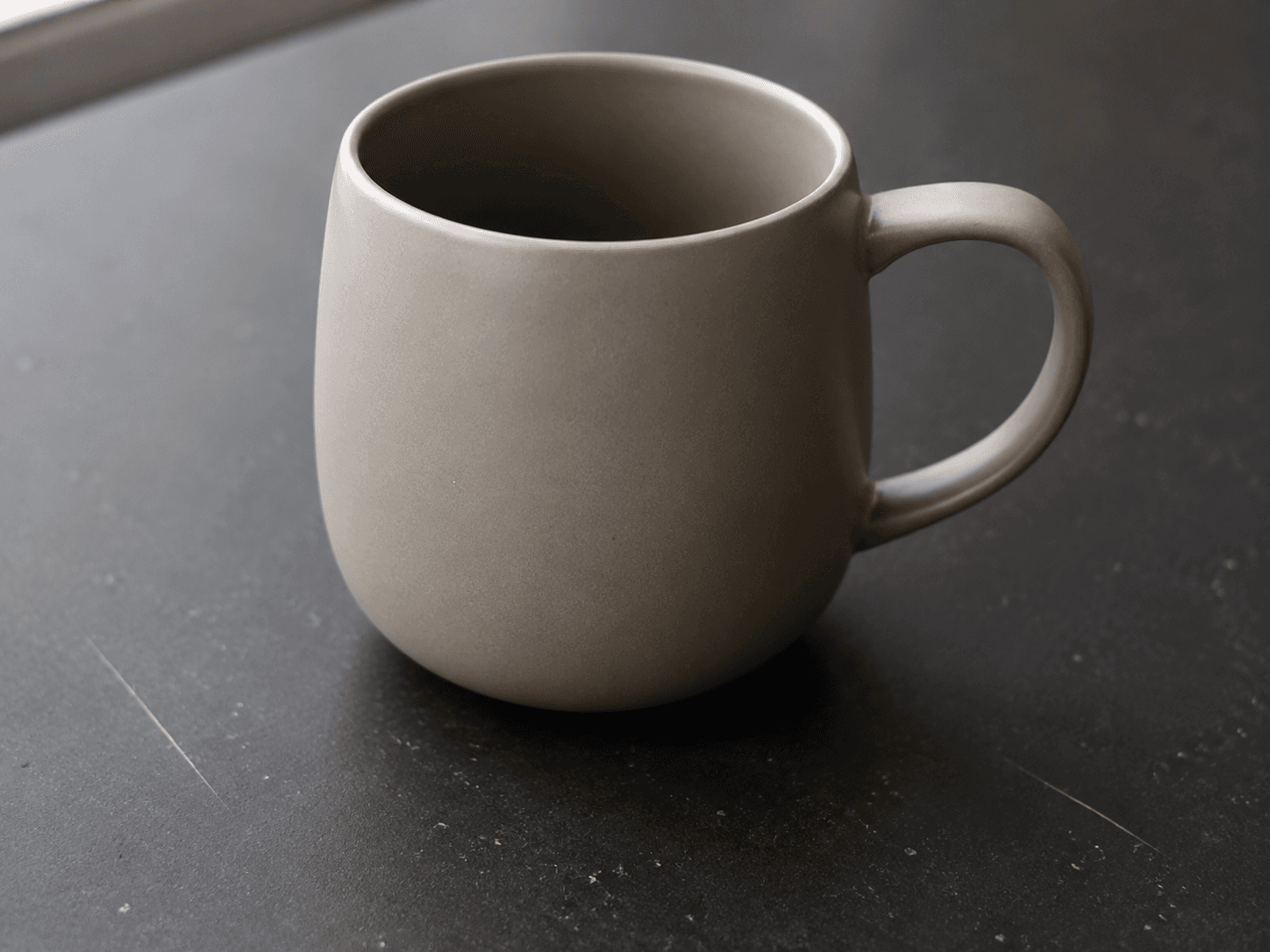
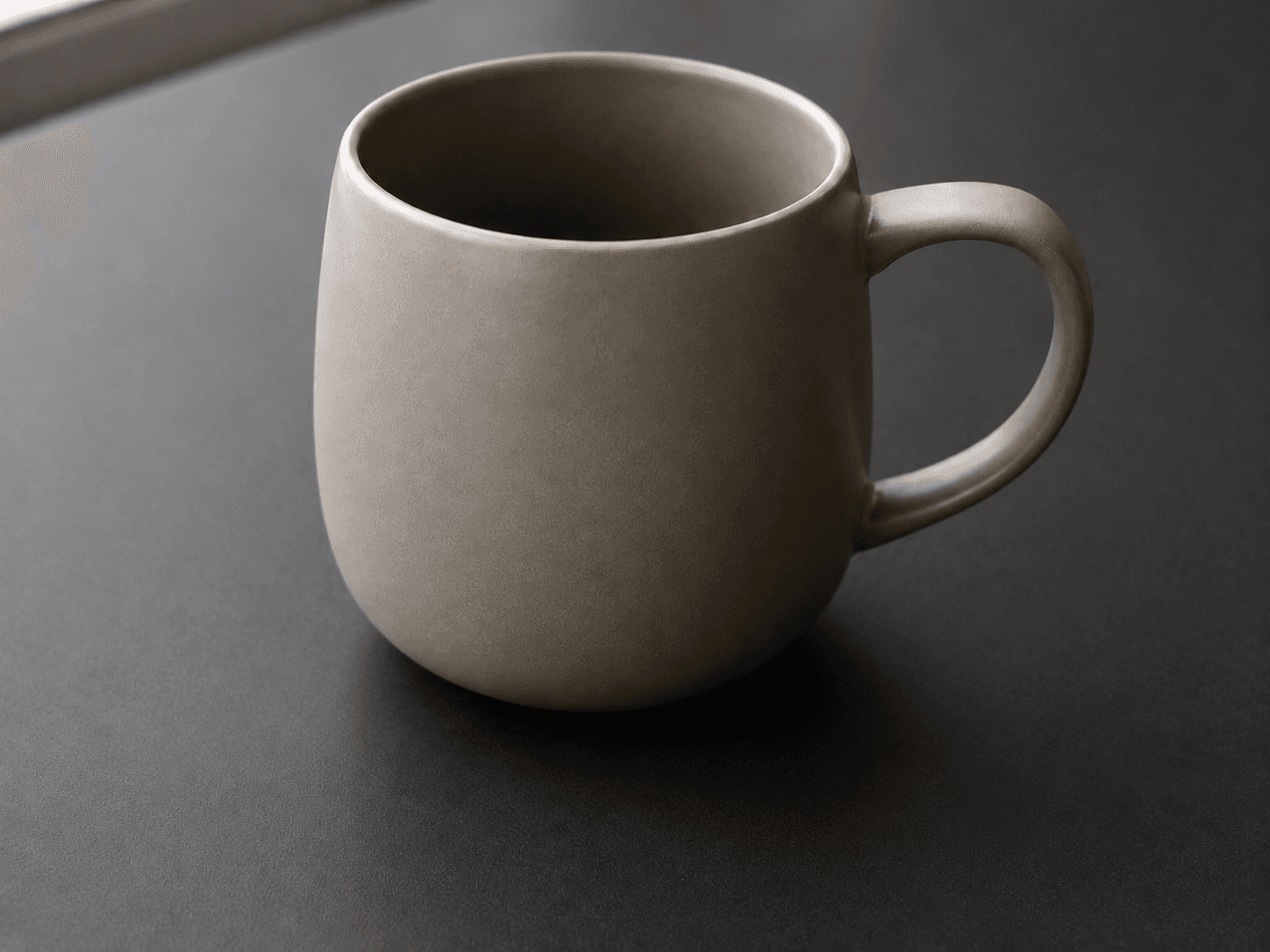
CleanerPix is a picture cleanup tool for small visual imperfections in images you own or have permission to edit. It is designed for stains, dust, scratches, scuffs, chips, spots, surface marks, loose fibers, tiny paint defects, and other minor marks. After you mark the area, the AI reconstructs nearby texture, color, lighting, shadow, and surface detail so the edited image looks natural instead of blurred or patched.
- Product photos with dust, loose fibers, small reflections, table marks, or background clutter.
- Portraits and profile photos with temporary blemishes, flyaway hairs, fabric lint, or small distractions near the subject.
- Old scanned photos with scratches, paper marks, faded spots, or minor damage that should be cleaned without changing the scene.
Quick answer
CleanerPix is an online AI picture cleanup tool for removing small blemishes, dust, scratches, stains, and background distractions from images you own or are authorized to edit.
What this tool does
CleanerPix is a picture cleanup tool for small visual imperfections in images you own or have permission to edit. It is designed for stains, dust, scratches, scuffs, chips, spots, surface marks, loose fibers, tiny paint defects, and other minor marks. After you mark the area, the AI reconstructs nearby texture, color, lighting, shadow, and surface detail so the edited image looks natural instead of blurred or patched.
Best use cases
- Product photos with dust, loose fibers, small reflections, table marks, or background clutter.
- Portraits and profile photos with temporary blemishes, flyaway hairs, fabric lint, or small distractions near the subject.
- Old scanned photos with scratches, paper marks, faded spots, or minor damage that should be cleaned without changing the scene.
Best for and not ideal for
| Best for | Not ideal for |
|---|
| Cleaning dust, scratches, scuffs, small stains, and surface marks. | Recovering large missing details with no surrounding visual context. |
| Tidying product photos, old scans, portraits, and travel photos. | Forensic restoration, legal evidence editing, or record alteration. |
| Quick browser-based cleanup when the unwanted area can be brushed clearly. | Replacing a full professional retouching workflow for complex commercial edits. |
How the AI cleanup works
The cleanup workflow starts with your brush mask. The mask tells CleanerPix exactly which pixels should change and which pixels should remain untouched. The AI cleanup model then reads the surrounding pixels and predicts what should exist behind the marked area. It uses nearby edges, repeating patterns, texture direction, color temperature, highlights, and shadows to rebuild the missing area. This works best when the unwanted detail is clearly marked and enough surrounding background remains visible for the AI to infer a natural replacement.
CleanerPix compared with other options
- CleanerPix
- Best for fast picture cleanup, small blemish removal, and background distraction removal directly in the browser with a simple upload, brush, cleanup, and download workflow.
- Photoshop
- Best for professional manual retouching, layer work, and complex edits when you have editing experience and desktop software.
- Mobile retouch apps
- Best for quick phone edits, but often less predictable for precise masks, desktop review, and repeat cleanup workflows.
Limits and safety rules
Do not use this tool to forge or alter IDs, receipts, invoices, bank records, payment screenshots, legal documents, chat screenshots, or misleading evidence-like images. Do not use it to deceive someone about what happened in a scene. You are responsible for confirming that you own the image or have permission to edit it, and for reviewing the cleaned result before publishing or using it commercially.
 CleanerPix