Edit Poster Text Online – Remove Old Text Cleanly

Remove the old date, name, or promotional line from a finished poster without the original design file, then add your new text in any design tool.

Scenario

Use this when a finished poster has the wrong date, speaker name, location, or short promotional line and you do not have the original design file.

Remove the old text →

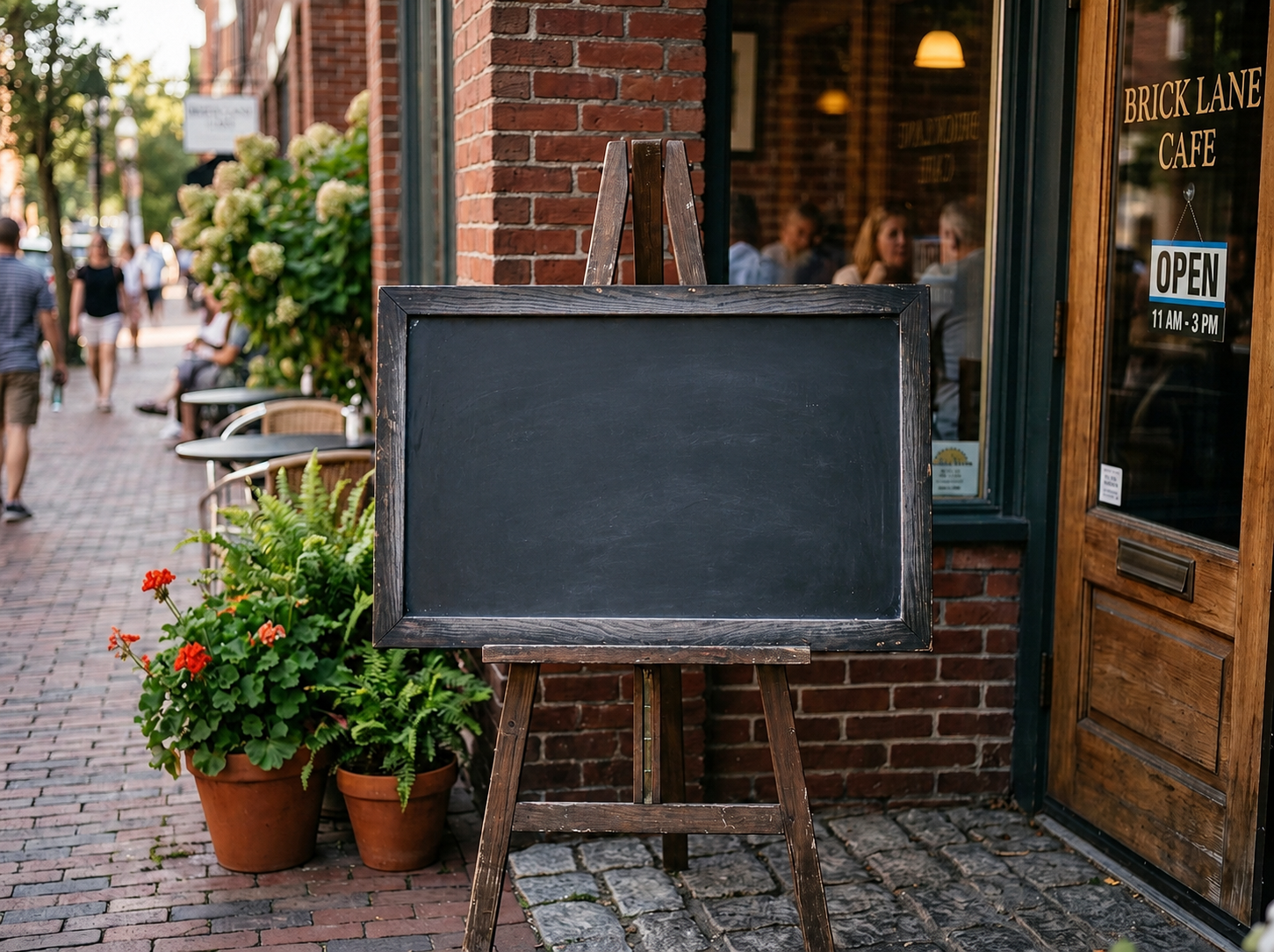
Before and after example

Remove text from image
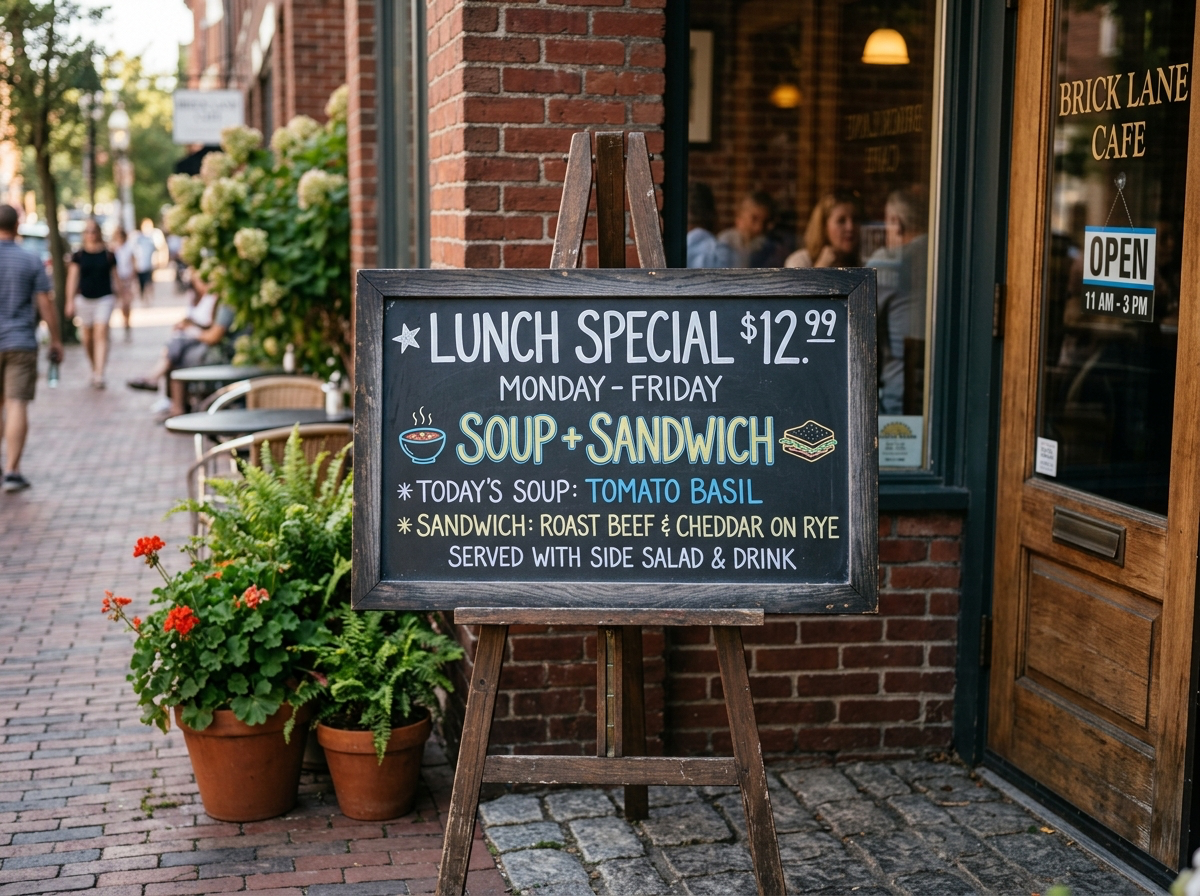
Remove text from image Before: Visible text
BeforeVisible text
Remove text from image After: Clean surface
AfterClean surface

How to clean this image

1
Upload the poster and brush over the old date, name, or promotional line (Remove the old text)
2
Remove it and check that the background and texture still look clean
3
Download the clean poster and add your new text in any design tool

Best for

  • Event posters and flyers
  • E-commerce campaign graphics
  • Social media announcement images

Usage rules

  • Only edit images you own or are authorized to use
  • Do not alter official IDs, tickets, receipts, or legal notices
  • Review the final image before publishing or advertising

Related pages