CleanerPix

Free AI Image Cleaner

CleanerPix is a free AI image cleaner for removing text, stickers, logos, people, and unwanted objects from authorized images online. Start free with no signup.

Remove text from image before
Remove text from image after
What you can remove

Focused tools for authorized image cleanup.

Before and after examples

Six focused tools for cleaner images

See how CleanerPix removes selected people, text, objects, stickers, authorized logos, and small blemishes from images you own or have permission to edit.

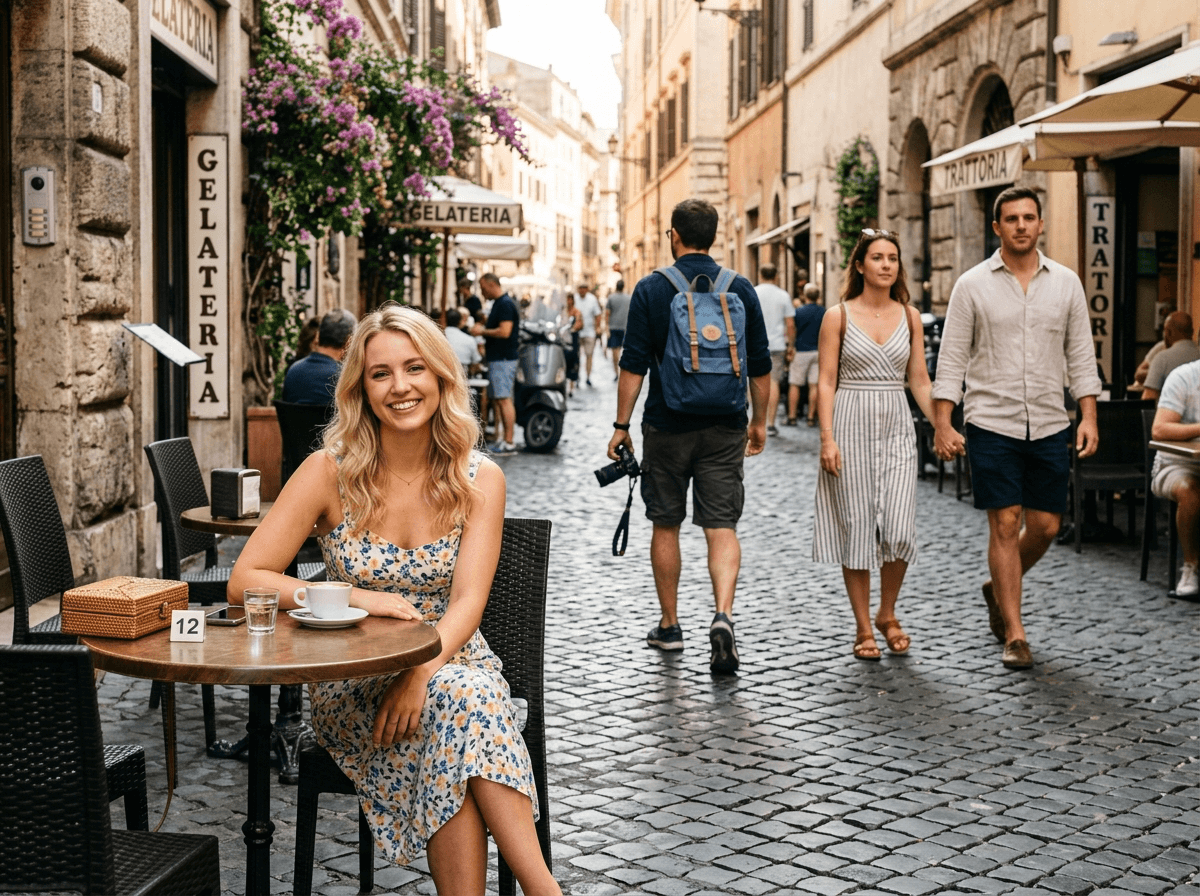
Remove people from photo before and after example before
Remove people from photo before and after example after

Remove People from Photo

Clear selected photobombers, tourists, or background pedestrians while keeping the main subject and natural scene intact.

  • Selected people in travel and street photos
  • Background pedestrians behind your subject
  • Crowd distractions in authorized images
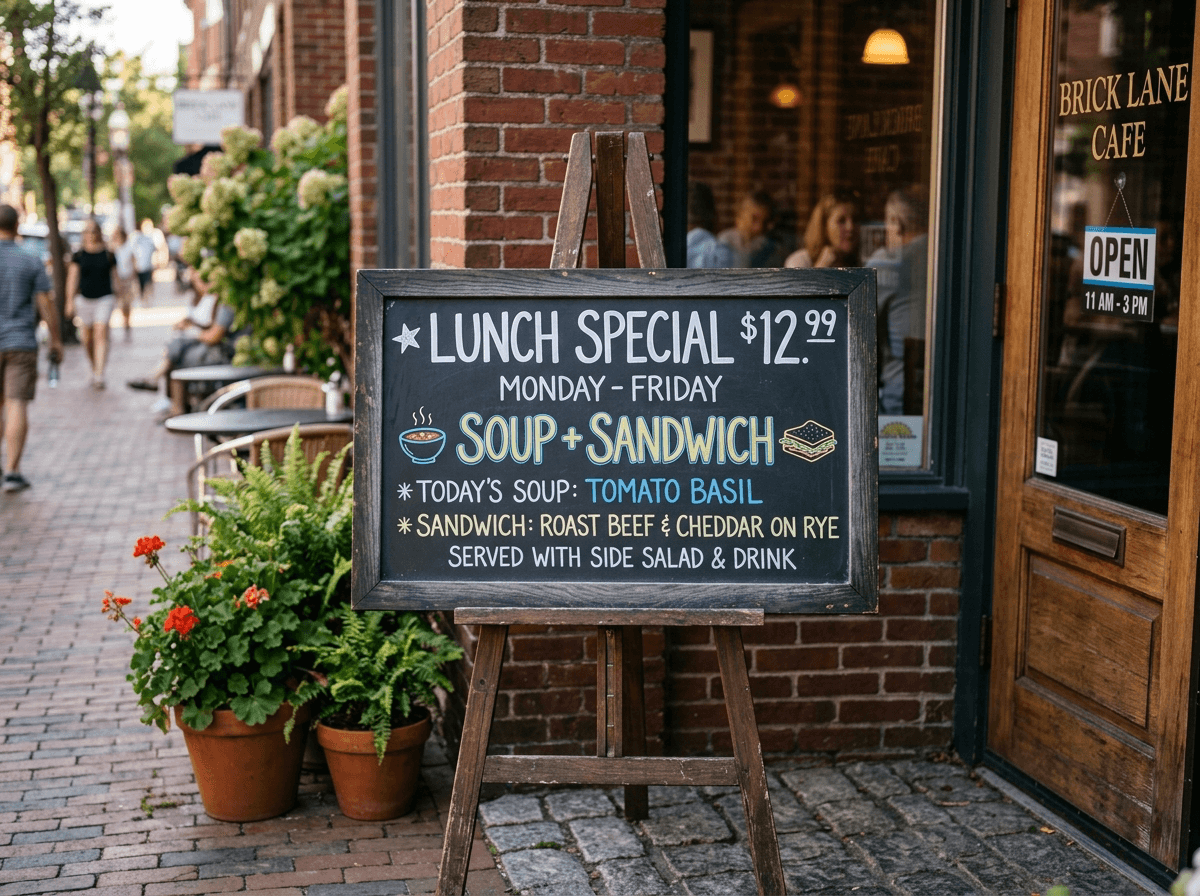
Remove text from image before and after example before
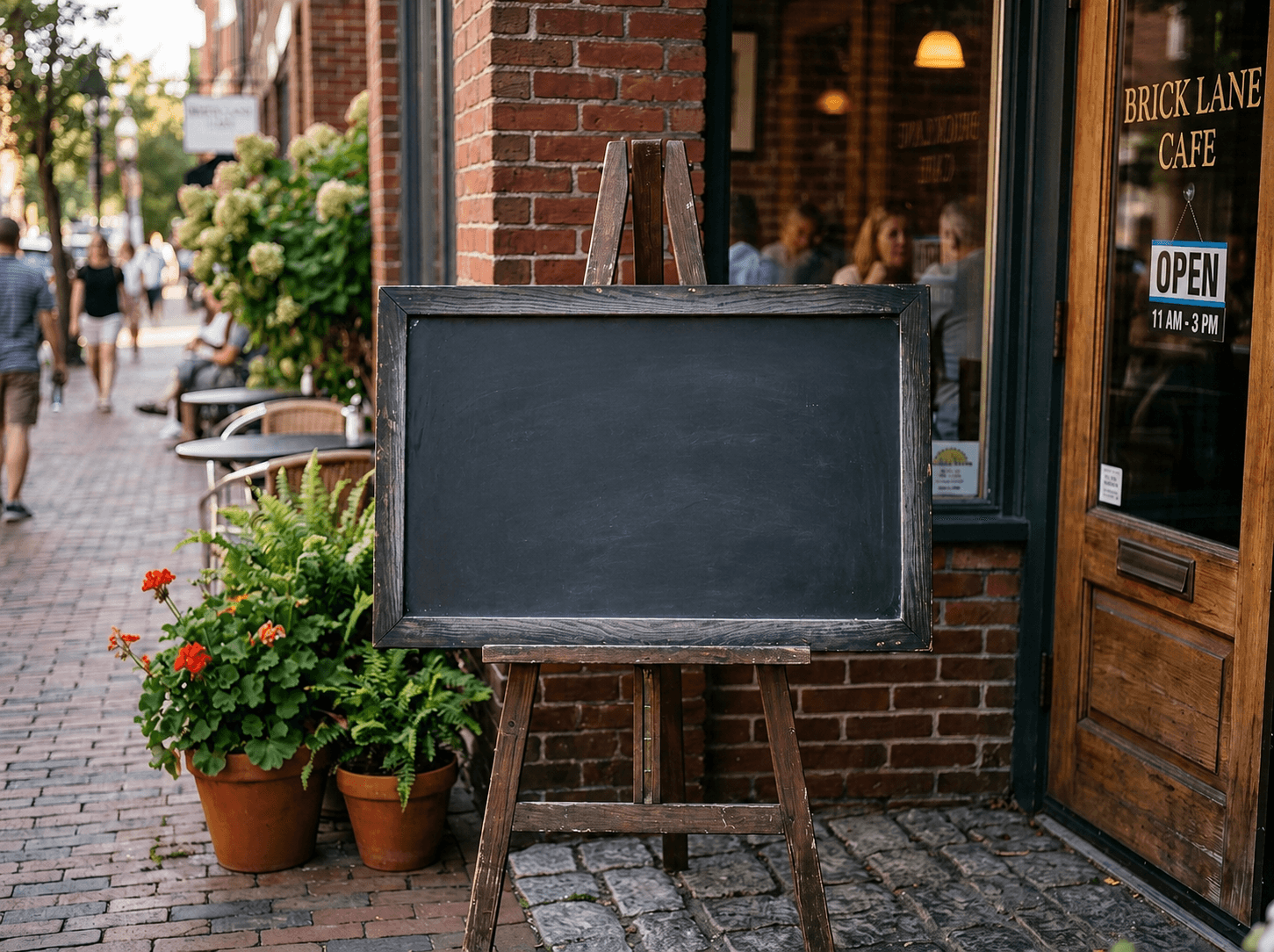
Remove text from image before and after example after

Remove Text from Image

Erase selected captions, date stamps, labels, or outdated text from images you own, then reconstruct the background naturally.

  • Date stamps and timestamp overlays
  • Captions, labels, and annotations
  • Old sale text on your own images
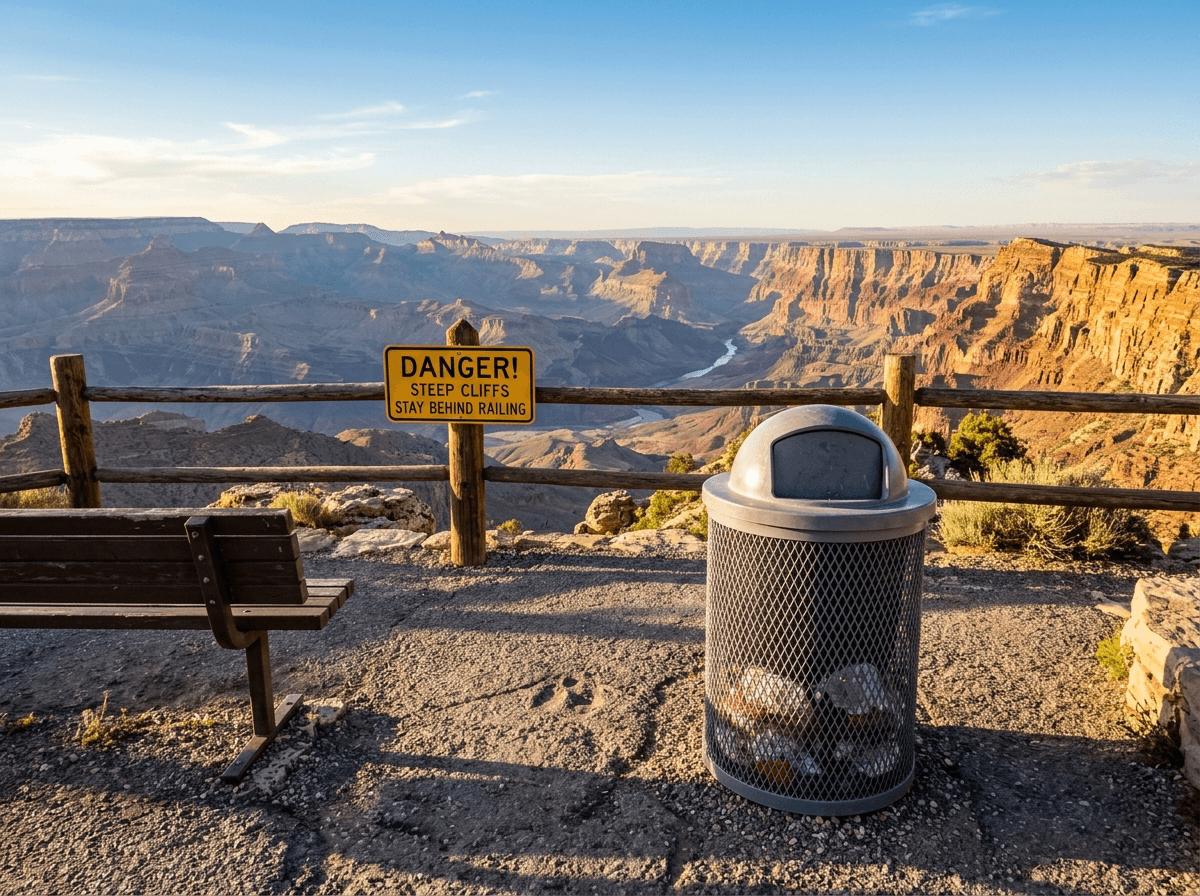
Remove objects from photo before and after example before
Remove objects from photo before and after example after

Remove Objects from Photo

Remove selected clutter or distracting objects from the scene and let the AI rebuild the surrounding background.

  • Trash cans, signs, and small clutter
  • Cables, fences, and temporary barriers
  • Distracting items in travel or product photos
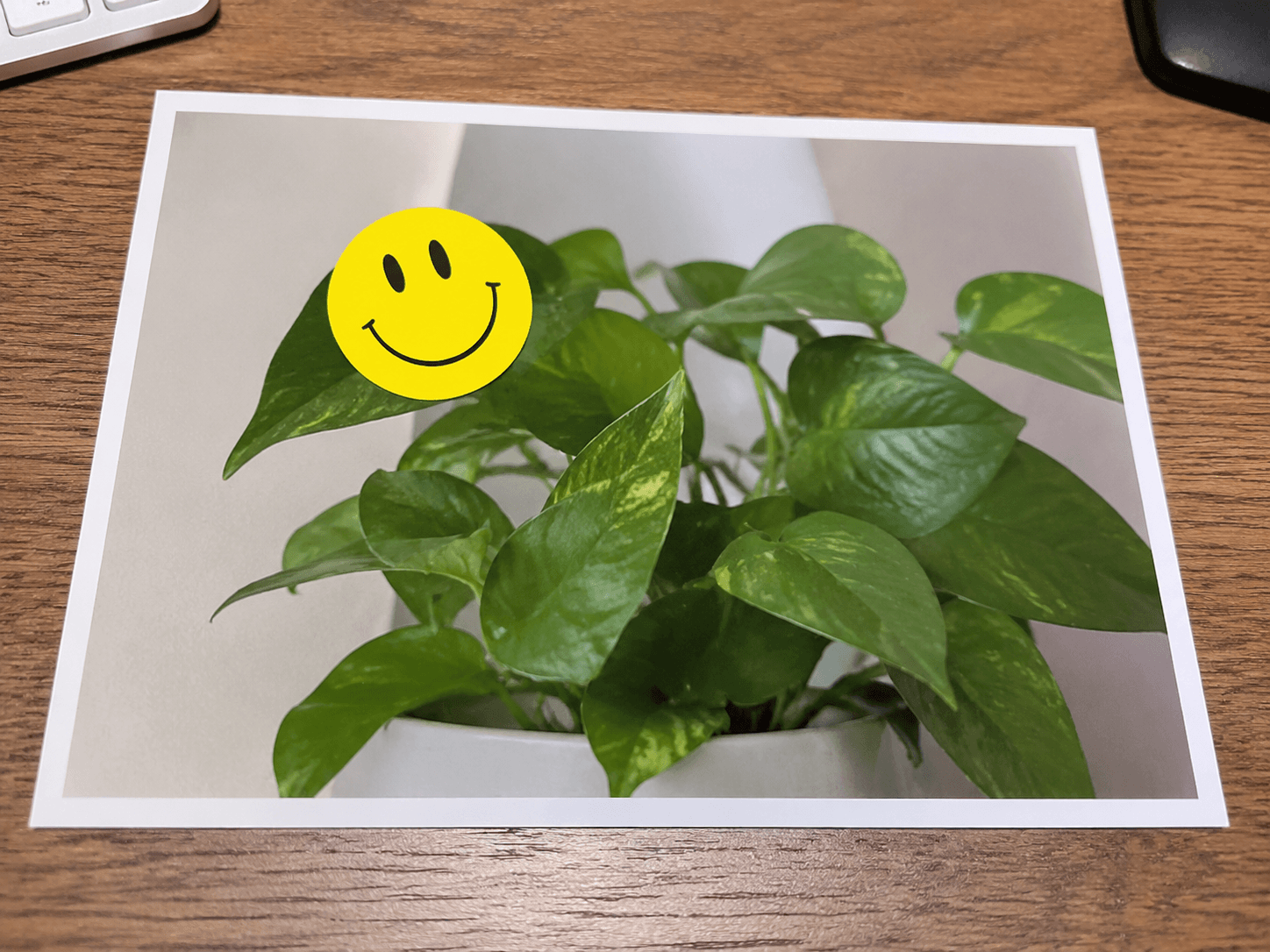
Remove sticker from image before and after example before
Remove sticker from image before and after example after

Remove Stickers from Image

Clean selected sticker, emoji, label, or overlay marks from your own images without manually repainting the background.

  • Emoji and sticker overlays
  • Decorative labels on personal images
  • Social sharing marks you are allowed to edit
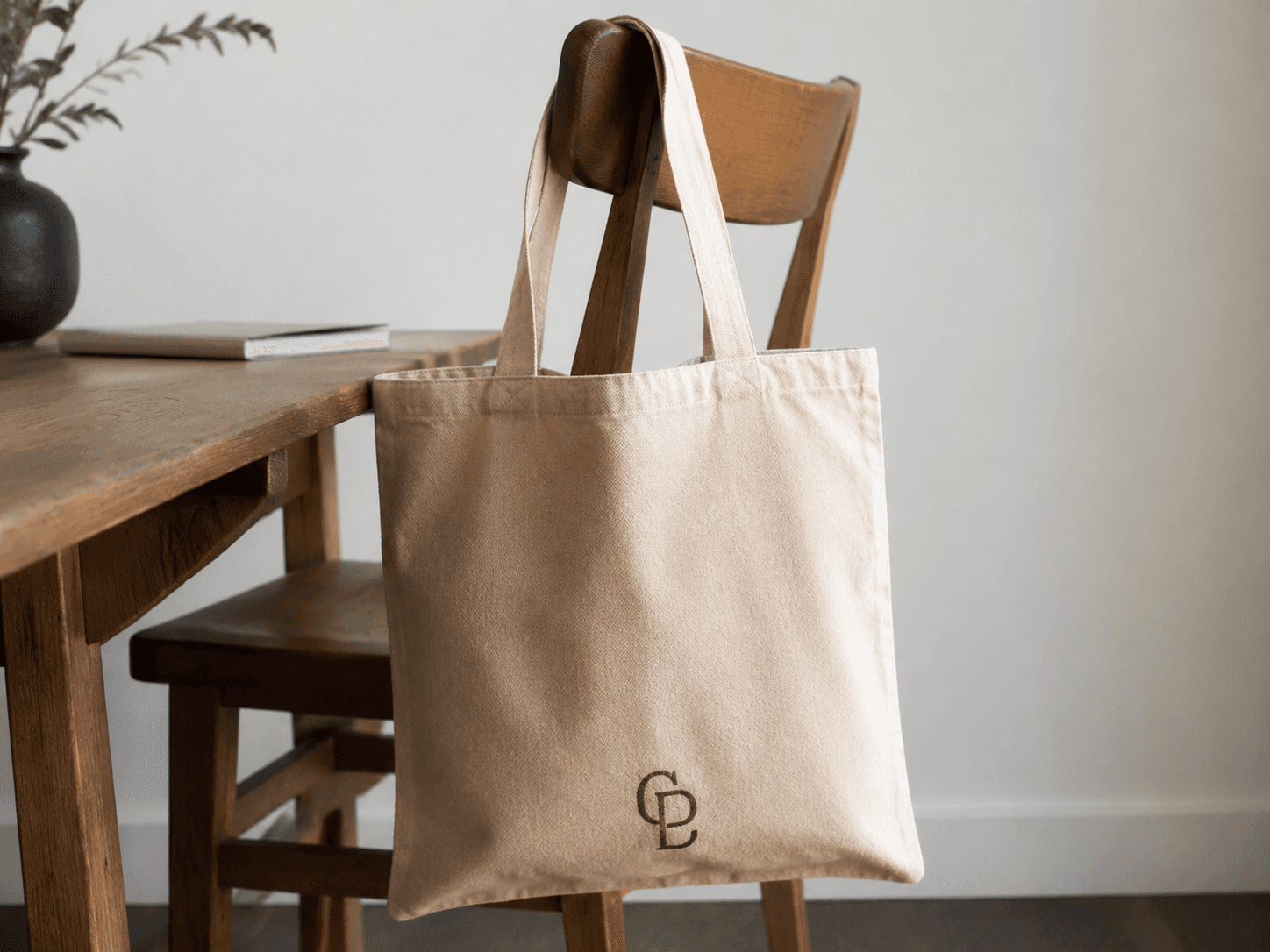
Remove authorized logo before and after example before
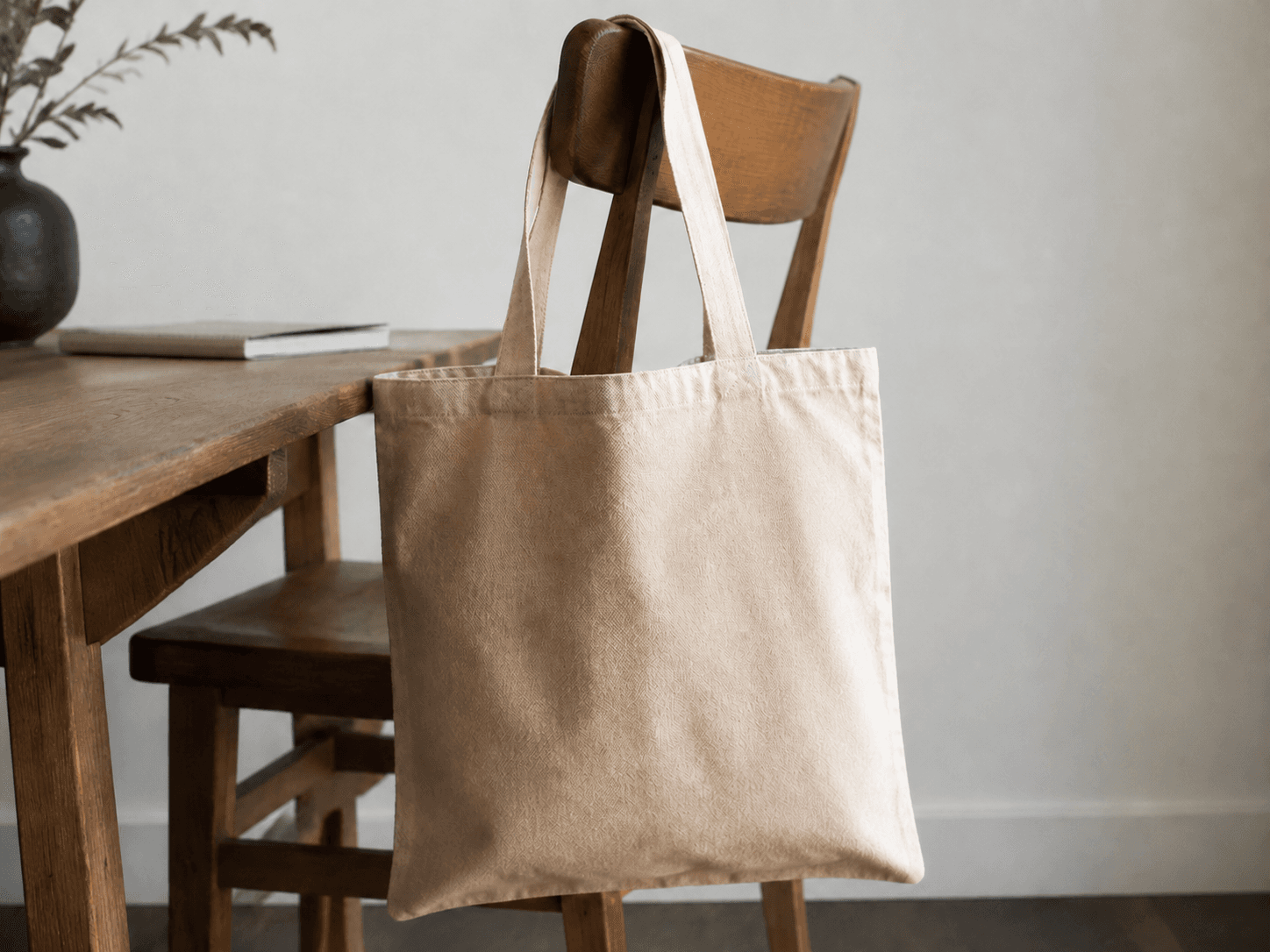
Remove authorized logo before and after example after

Remove Authorized Logos

Remove selected logos, marks, or overlays from images you own or have authorization to modify, with safety boundaries intact.

  • Authorized brand marks on your own assets
  • Old campaign overlays you control
  • Logo cleanup with ownership or permission
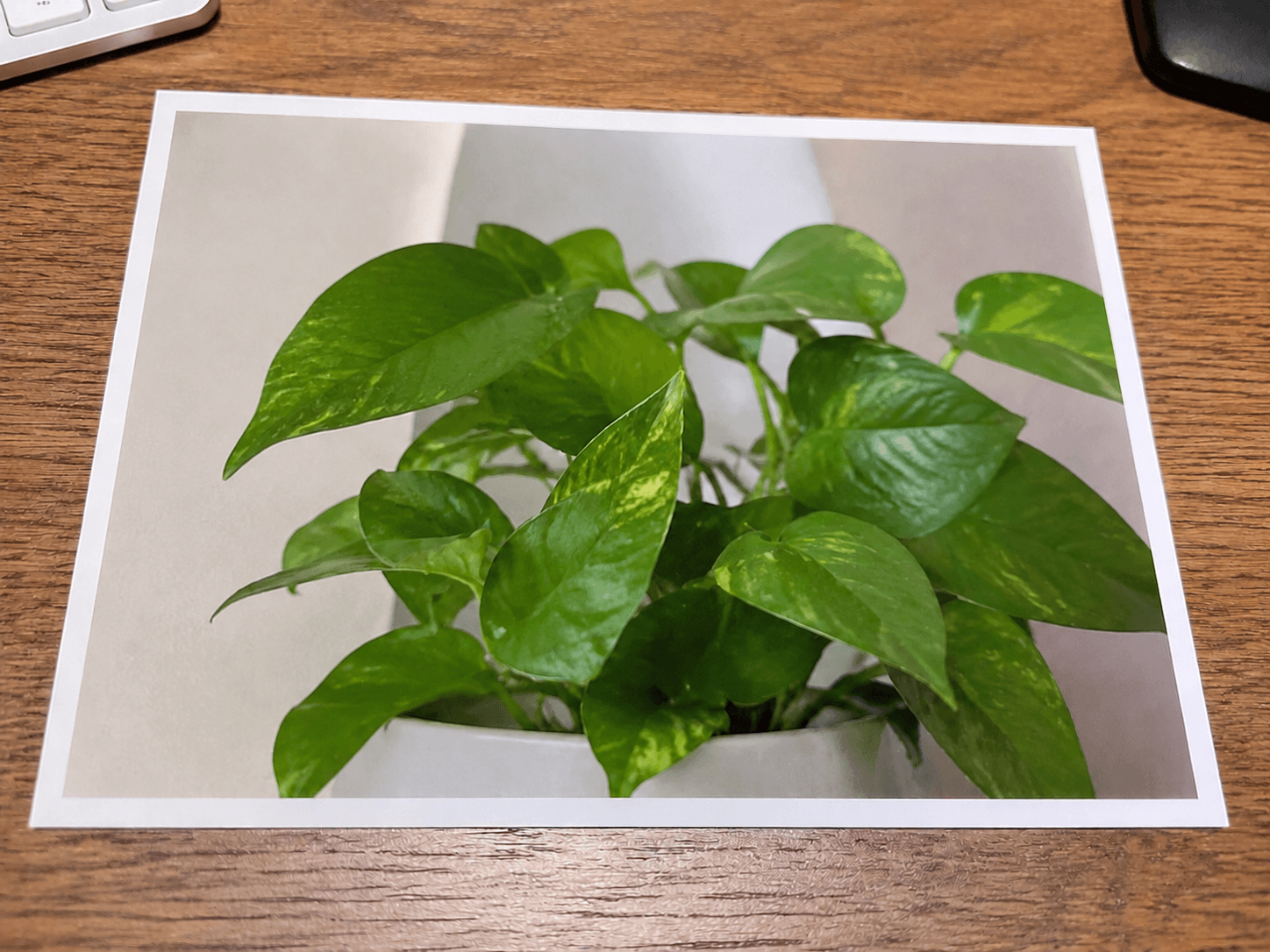
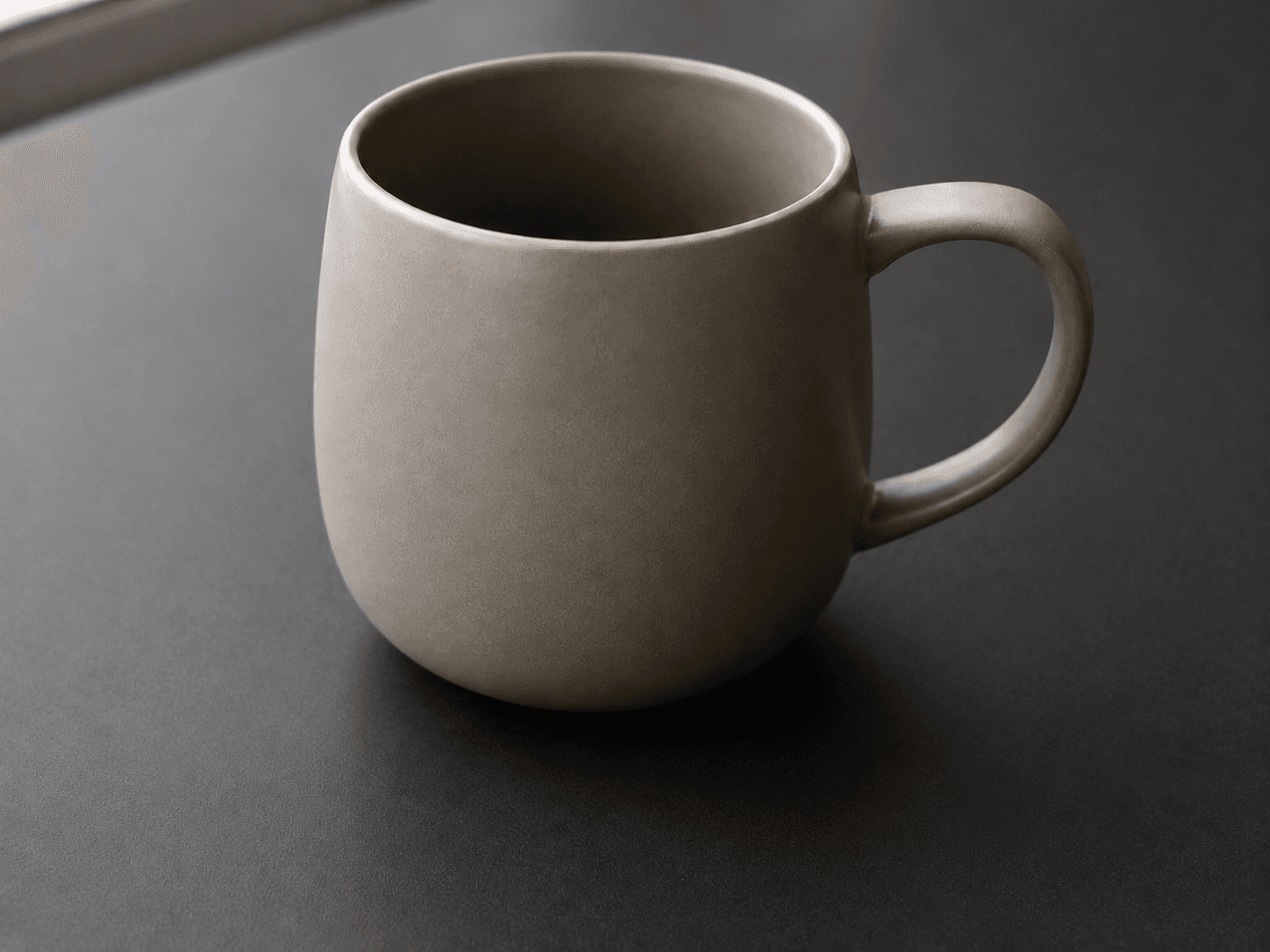
Clean up picture before and after example before
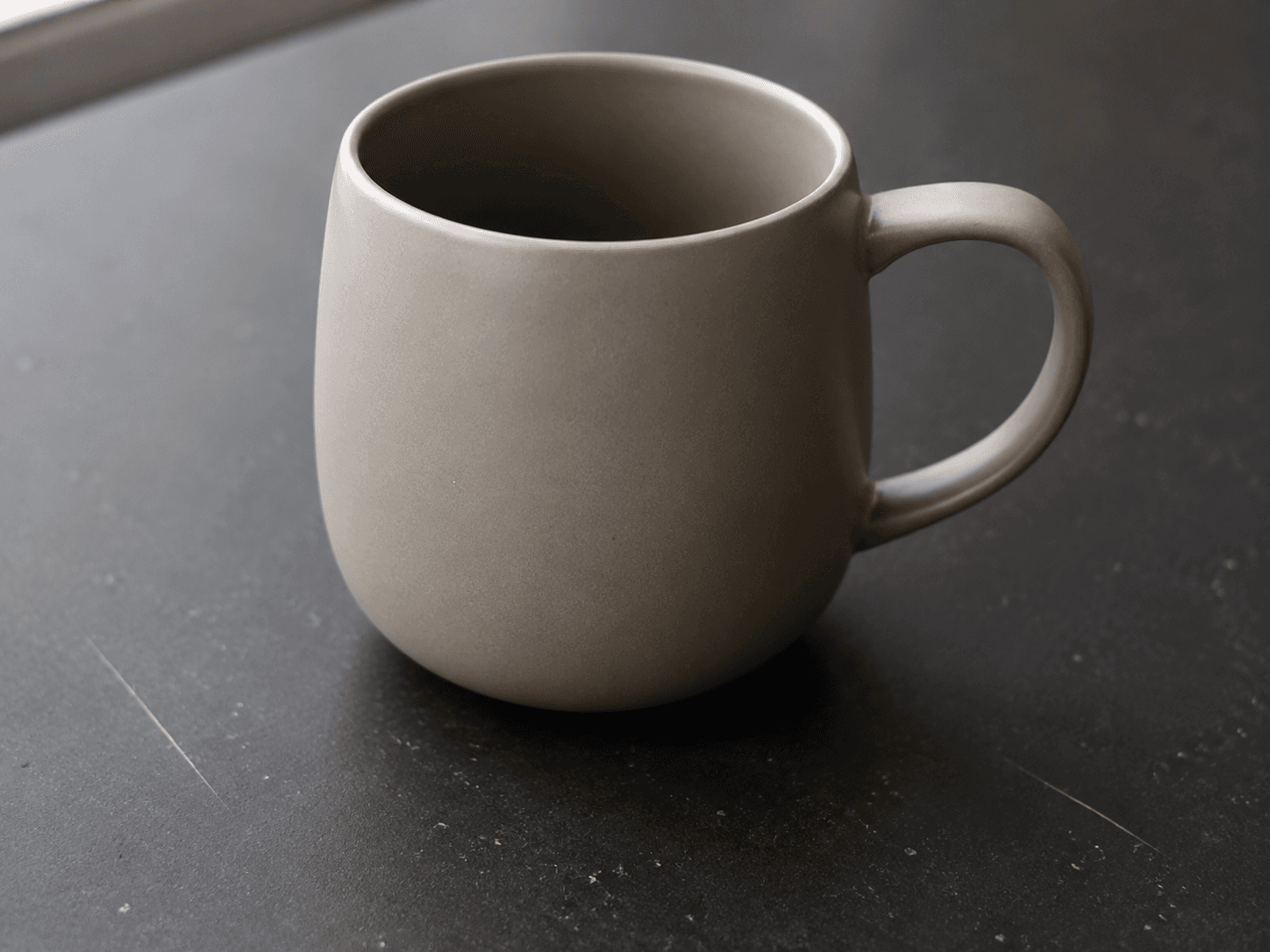
Clean up picture before and after example after

Cleanup Picture

Clean selected dust, scratches, stains, scuffs, chips, and small surface marks while preserving the rest of the image.

  • Dust and small stains
  • Scratches, scuffs, and chips
  • Minor surface imperfections
How it works

Three steps. About thirty seconds.

  1. 1

    Upload a photo

    Drag and drop any JPG or PNG, or click to pick one. Images are processed locally on device or securely sent to the server.

  2. 2

    Brush the object

    Paint a mask over every pixel you want gone. Give it a brief text prompt if needed.

  3. 3

    Clean and download

    Tap Clean image. In seconds the AI returns a pristine photo.

Why CleanerPix

Free, fast, and refreshingly simple.

Generous Free Tier

3 free edits every day for guests. 5 free edits per day after you log in. No credit card required.

Pay per use

Need more? Buy one-time credit packs. No subscriptions, no hidden fees.

Risk-free

Credits are only deducted for successful cleanup tasks. Failed runs cost you nothing.

Privacy-first

We do not use your photos to train models. Unsaved outputs are cleaned up.

FAQ

Can I try it for free?

Yes, new users receive 2 free credits upon registration to test the service.

How much does each edit cost?

Each successful image task costs 1 credit. Failed tasks do not deduct credits.

Do credits expire?

No, your purchased credits never expire.

What formats are supported?

We support PNG, JPG, and WebP images.

Is it safe for commercial use?

Yes, as long as you have the rights to the source image, you can use the edited results commercially.

What happens if a task fails?

If the system cannot process the image, the task will fail and your credit will not be deducted.

When will I receive my credits?

Credits are added to your account immediately after successful payment.

Do you offer refunds?

We offer refunds for duplicate charges or if credits were not delivered. See our Refund Policy for details.

Free AI Photo Cleanup & Image Cleaner