What this tool does
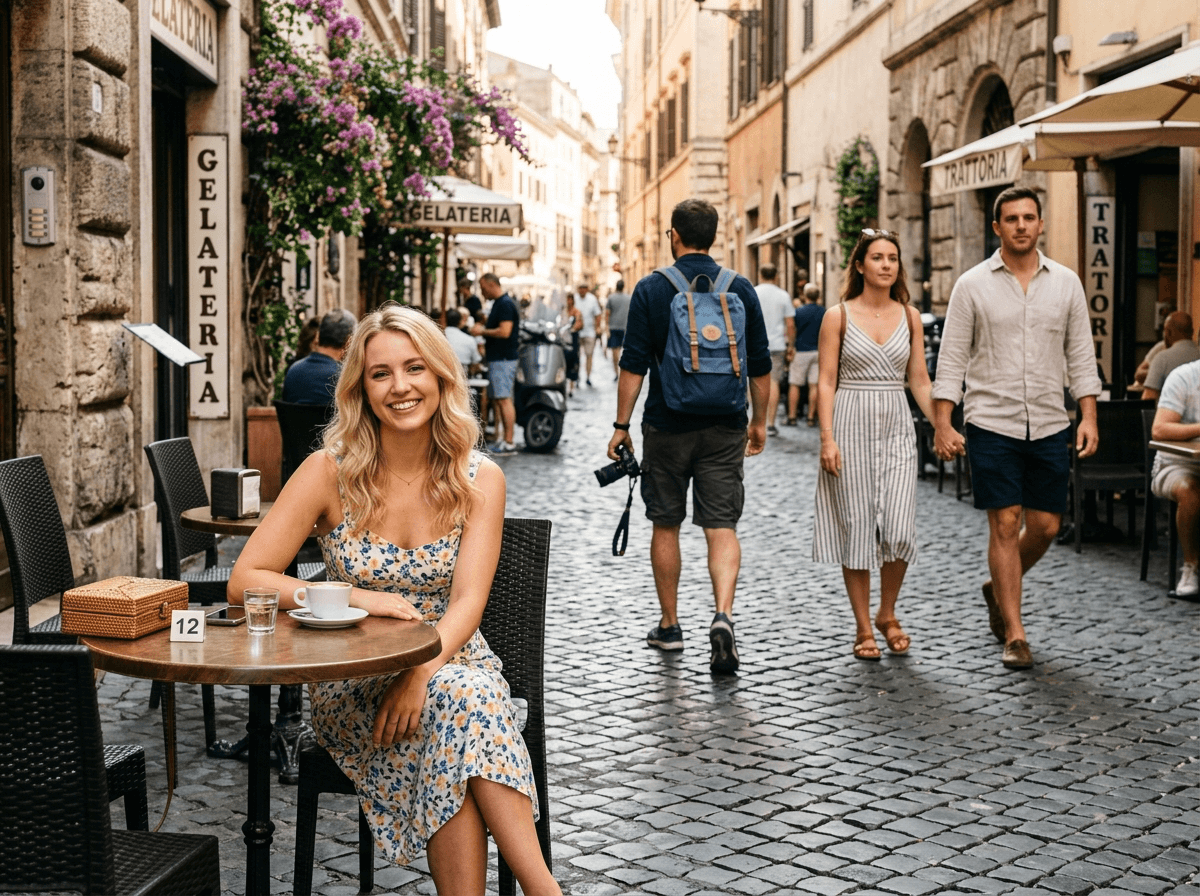
CleanerPix removes people from photos you own or have permission to edit. It is built for background pedestrians, tourists, photobombers, event crowds, beachgoers, bystanders, and other people who distract from the intended subject. After you mark the people to remove, the AI reconstructs the scene behind them, such as sky, pavement, grass, water, walls, seats, fabric, or architecture. The tool is for cleanup, not identity manipulation or misleading edits.
- Travel photos where tourists, pedestrians, or small crowds distract from a landmark, landscape, beach, or street scene.
- Portraits and couple photos where a photobomber, passer-by, or event guest appears behind the main subject.
- Real estate, venue, and lifestyle photos where background people need to be cleared from spaces you are authorized to edit.
Quick answer
CleanerPix is an online AI people remover for clearing selected tourists, photobombers, pedestrians, and background crowds from authorized photos.
What this tool does
CleanerPix removes people from photos you own or have permission to edit. It is built for background pedestrians, tourists, photobombers, event crowds, beachgoers, bystanders, and other people who distract from the intended subject. After you mark the people to remove, the AI reconstructs the scene behind them, such as sky, pavement, grass, water, walls, seats, fabric, or architecture. The tool is for cleanup, not identity manipulation or misleading edits.
Best use cases
- Travel photos where tourists, pedestrians, or small crowds distract from a landmark, landscape, beach, or street scene.
- Portraits and couple photos where a photobomber, passer-by, or event guest appears behind the main subject.
- Real estate, venue, and lifestyle photos where background people need to be cleared from spaces you are authorized to edit.
Best for and not ideal for
| Best for | Not ideal for |
|---|
| Removing tourists, photobombers, pedestrians, bystanders, and small background crowds. | Identity manipulation, face changes, harassment, surveillance edits, or privacy violations. |
| Cleaning travel photos, portraits, event photos, venue photos, and lifestyle images. | Removing a person who covers too much of the main scene with little background context. |
| People whose full outline, clothing edges, shadows, and reflections can be masked. | Altering evidence-like images, legal records, platform records, or factual documentation. |
How the AI people remover works
The AI people remover starts with a mask that identifies the person or group to erase. CleanerPix analyzes the unmasked scene around the person, including floor lines, wall texture, foliage, water, shadows, light direction, and perspective. It then fills the masked area with a reconstructed background that follows the same visual structure. For best results, cover the whole person, their outline, and related shadows, but avoid masking the subject or objects you want to keep.
CleanerPix compared with other options
- CleanerPix
- Best for removing background people from photos while keeping the intended subject directly in the browser with a simple upload, brush, cleanup, and download workflow.
- Photoshop
- Best for professional manual retouching, layer work, and complex edits when you have editing experience and desktop software.
- Mobile retouch apps
- Best for quick phone edits, but often less predictable for precise masks, desktop review, and repeat cleanup workflows.
Limits and safety rules
Do not use this tool to forge or alter IDs, receipts, invoices, bank records, payment screenshots, legal documents, chat screenshots, surveillance-style evidence, or misleading evidence-like images. Do not use it for deceptive identity edits, harassment, face manipulation, or privacy violations. Use people removal only on images you own or have permission to edit.
 CleanerPix