Retouch Portrait Photos Online

Retouch portraits by cleaning temporary blemishes, lint, flyaway hair, dust, and small background distractions.

Scenario

Use this page for light portrait cleanup when a headshot, profile photo, team photo, or personal portrait has temporary blemishes, clothing lint, small hair flyaways, dust, or background distractions. The goal is a cleaner portrait, not identity manipulation or deceptive face editing.

Retouch a portrait →

Before and after example

Clean up picture

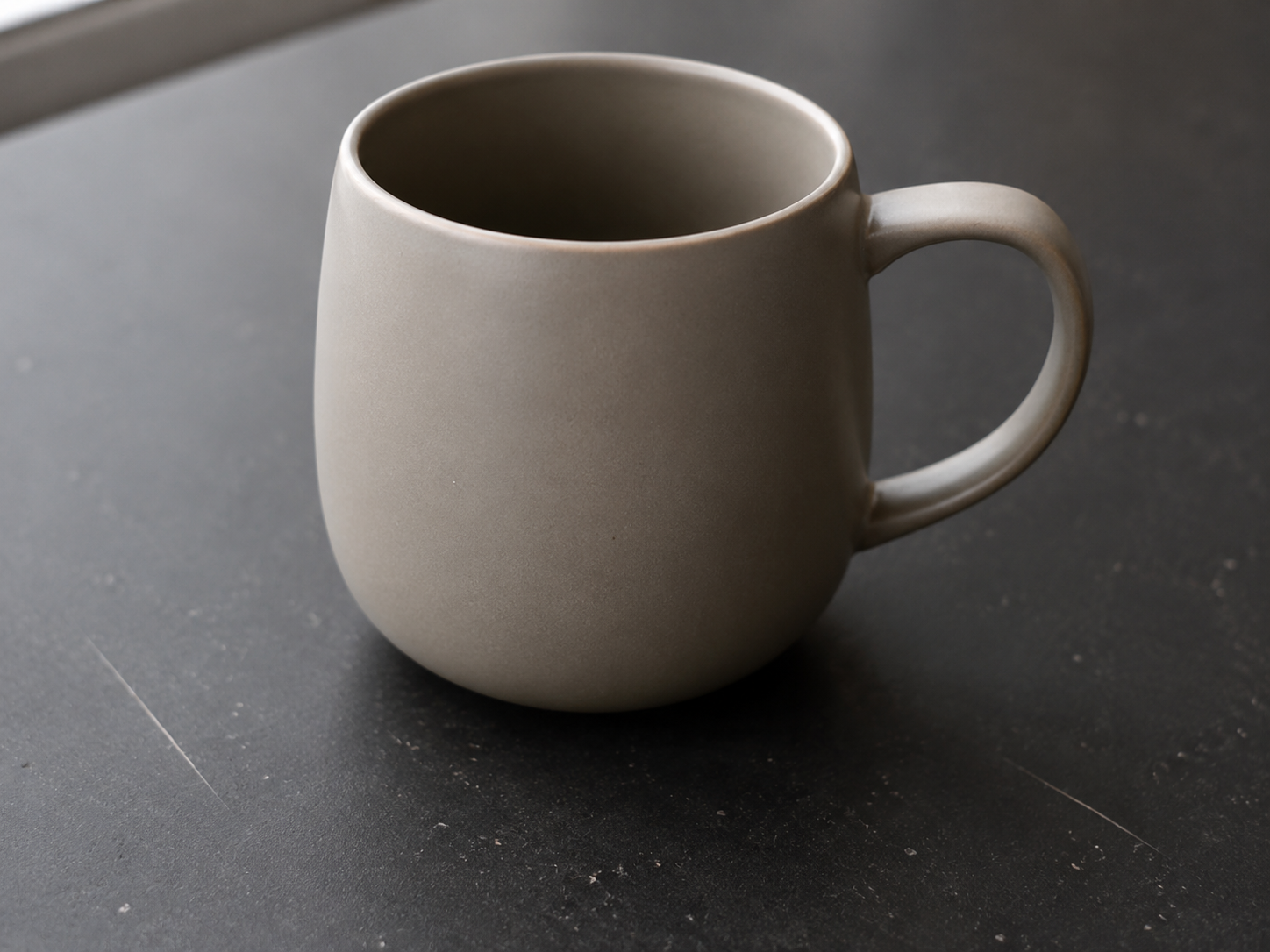
Clean up picture Before: Small blemishes
BeforeSmall blemishes
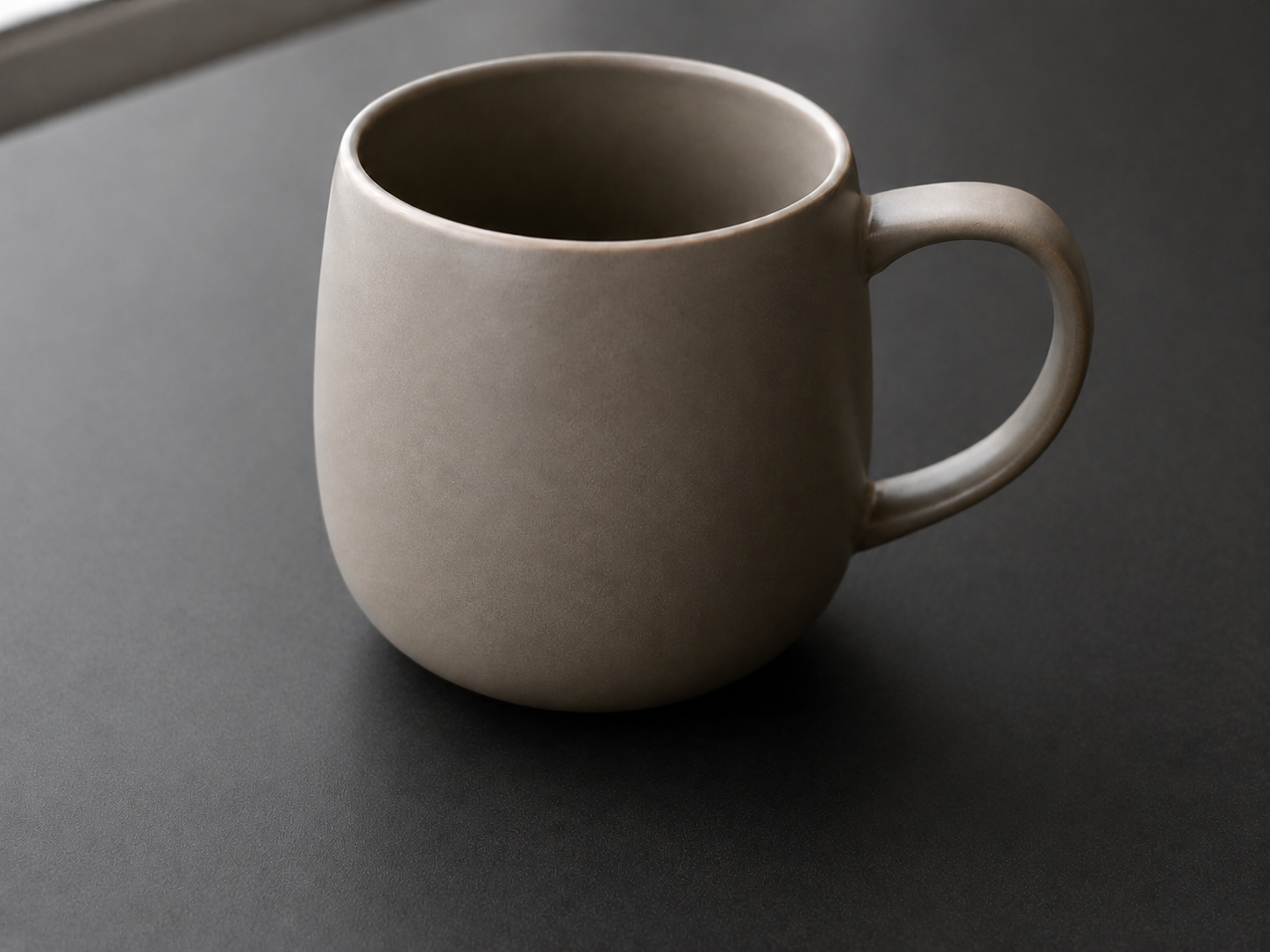
Clean up picture After: Polished image
AfterPolished image

How to clean this image

1
Upload a portrait, headshot, profile photo, or authorized team image (Retouch a portrait)
2
Brush small temporary blemishes, lint, dust, flyaway hair, or nearby background distractions
3
Review the edited image to make sure identity, facial structure, and context remain truthful

Best for

  • Profile photos and headshots with small temporary distractions
  • Team portraits where lint, dust, or background marks need cleanup
  • Personal photos where the subject should remain recognizable and natural

Usage rules

  • Only retouch portraits you own or are authorized to edit
  • Do not use this workflow for face manipulation, impersonation, harassment, or misleading identity edits
  • Do not alter IDs, badges, official records, consent-related images, or evidence-like screenshots

Related pages