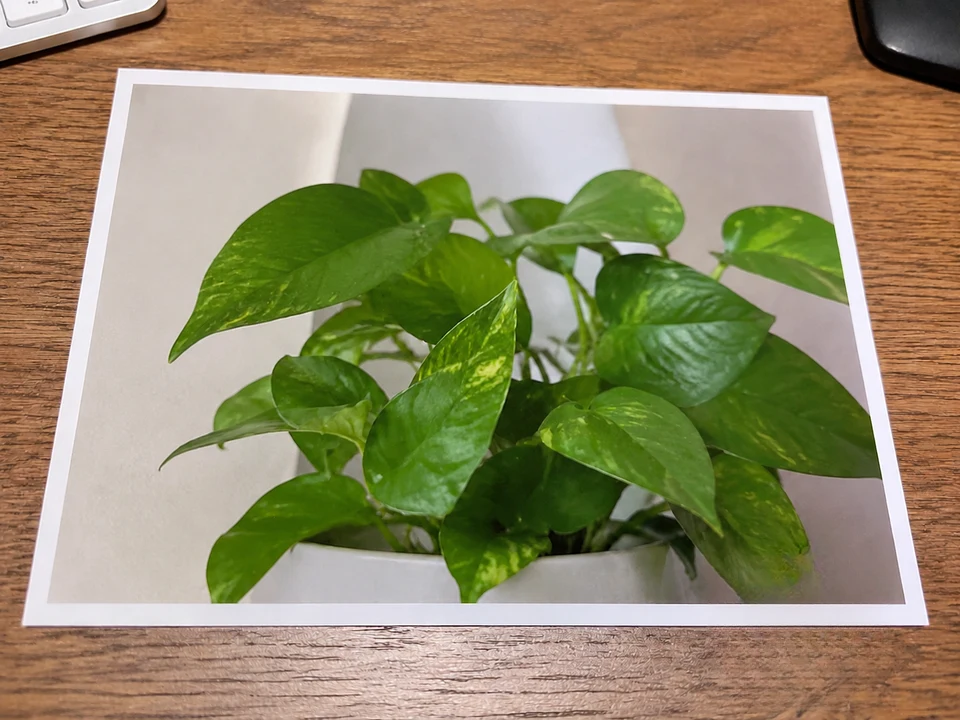
Remove Emoji from Photo

Remove a small decorative emoji from an authorized photo. Learn how to cover its edges and why hidden faces cannot be recovered.

Scenario

A small emoji in a corner, over a wall, or beside the subject may be distracting when you reuse your own photo. Brush the entire decorative icon so CleanerPix can generate a fill from nearby visible pixels. This is different from revealing what an emoji covered: the fill is an estimate, not the original image. If an emoji hides a face, text, or another important detail, ask the owner for the unedited photo instead. Do not remove overlays used to protect privacy or consent.

Remove an emoji overlay →

See what the selection changes

We added our own overlays to existing public example images and processed them with CleanerPix on November 5, 2026. These are controlled demonstrations, not customer photos or a success-rate study. The results are actual edits, not the clean reference pictures.

Swipe to compare the input, selection, and result.

A sticker with a white border and shadow

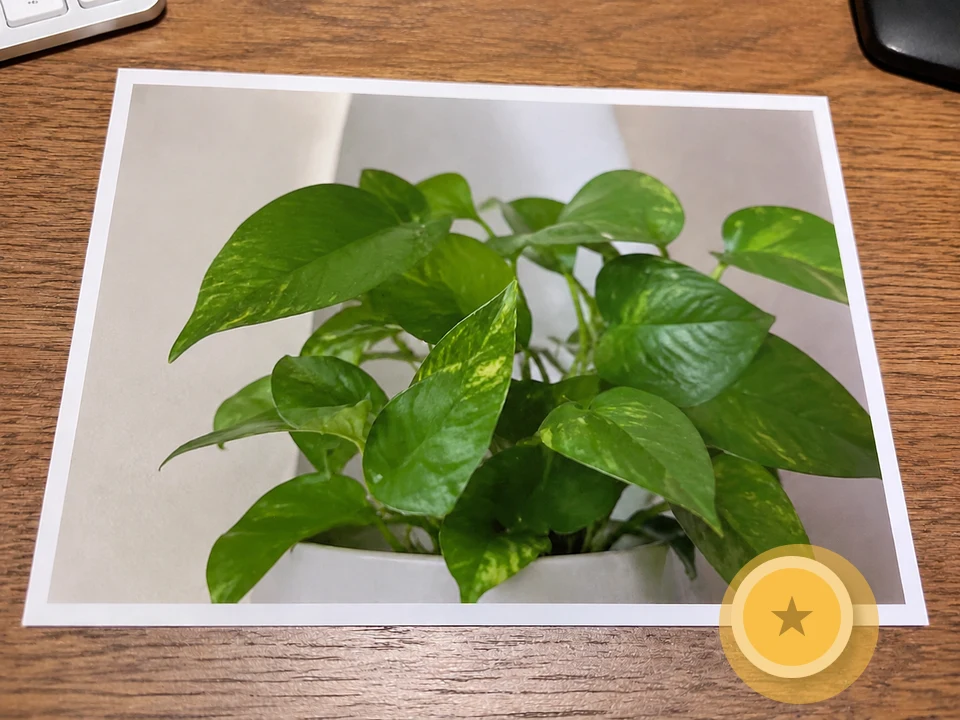
Include the white outline and the shadow in the selection. Here the sticker crosses a photo edge and a wooden surface.
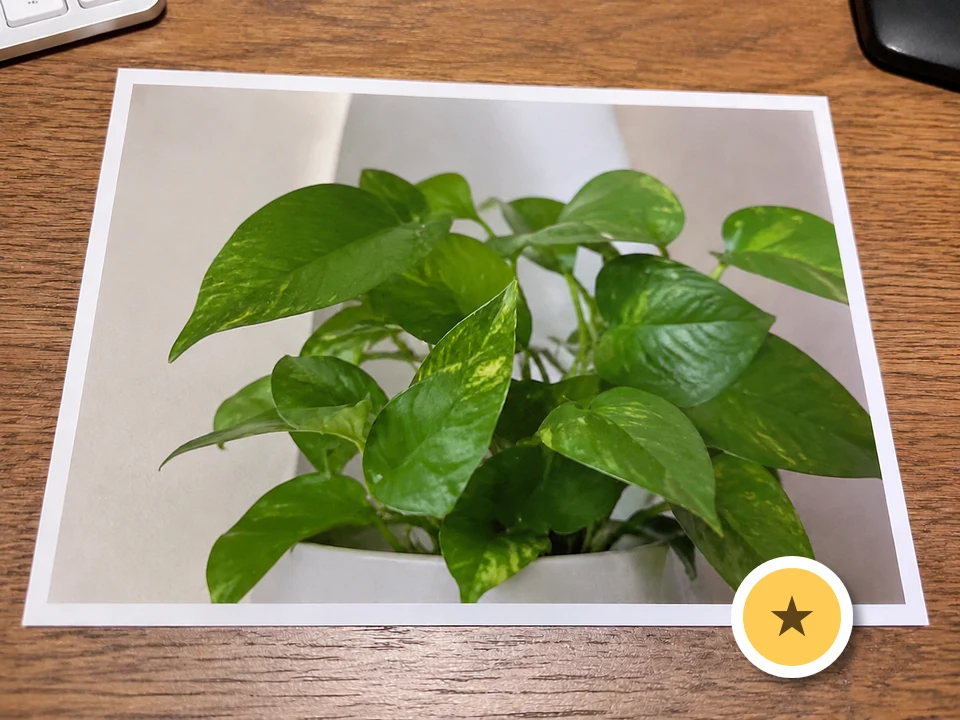
A sticker with a white border and shadow — Before
Before
A sticker with a white border and shadow — Selection
Selection
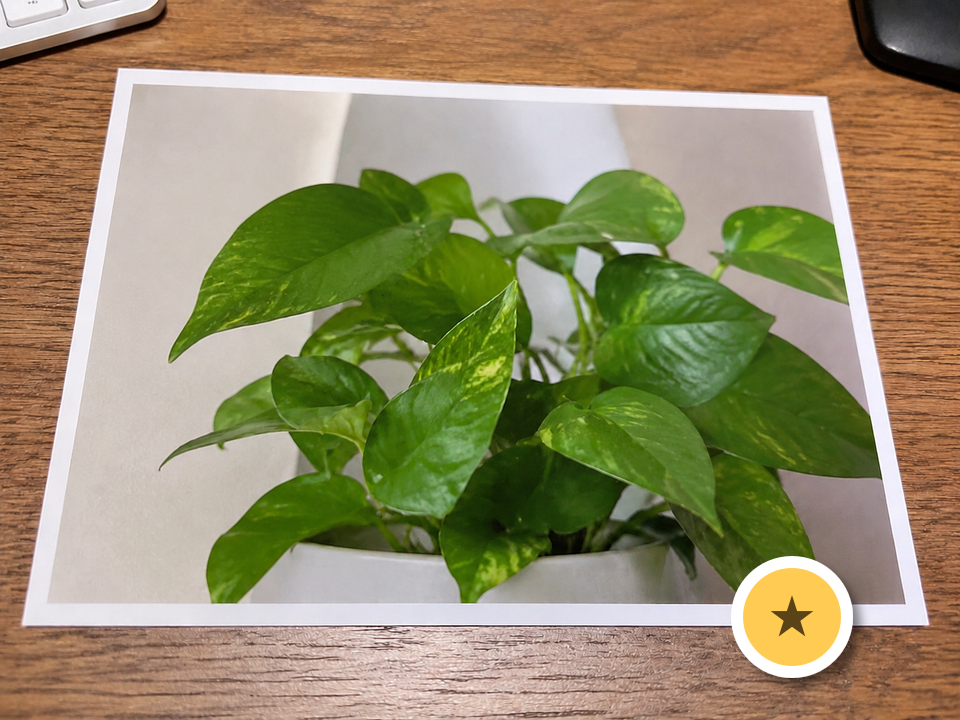
A sticker with a white border and shadow — Actual result
Actual result

The full selection removes the sticker footprint in this run. Check both the straight photo edge and the surrounding wood grain.

Download this input and try it yourself
What happens if you paint only the center?

In a separate run we selected only the center, then expanded the selection and retried on that output. These are the two actual results. Check the entire sticker footprint before repeating a pass.
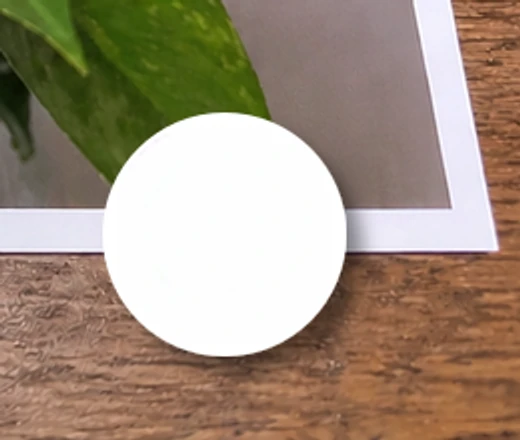
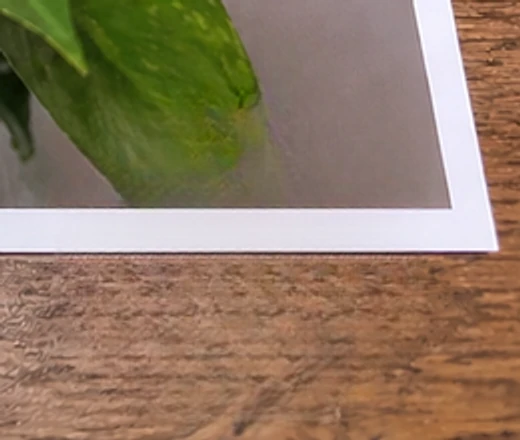
A sticker with a white border and shadow — Narrow selection — detail
Narrow selection — detail
A sticker with a white border and shadow — Expanded selection — detail
Expanded selection — detail

How to clean this image

1
Upload your own or authorized photo; check whether a clean original is available first. (Remove an emoji overlay)
2
Brush the whole emoji, including its white outline, shadow, glow, and translucent edge. Avoid important nearby details.
3
Run cleanup, then inspect the boundary and background. If a halo remains, select the residue for a local retry; do not treat a generated face or detail as recovered truth.

Best for

  • Small decorative reaction icons with visible background around them.
  • Owned social photos with emoji in a corner, away from a face or key subject detail.
  • Authorized drafts where the generated background can be checked before reuse.

Usage rules

  • Do not remove emoji that protects privacy, consent, identity, minors, or sensitive people
  • Do not use emoji removal to expose someone, harass them, impersonate them, or bypass their wishes
  • Do not alter records, legal documents, private screenshots, watermarks, or copyrighted material without authorization

Related pages