Update Menu Prices and Items in Images

Quickly remove outdated prices and food names from menu or price-list images while keeping the original background.

Scenario

Clear outdated menu prices, item names, or short notes from authorized menu photos without rebuilding the whole design, then add the new details.

Remove old prices →

Before and after example

Remove text from image
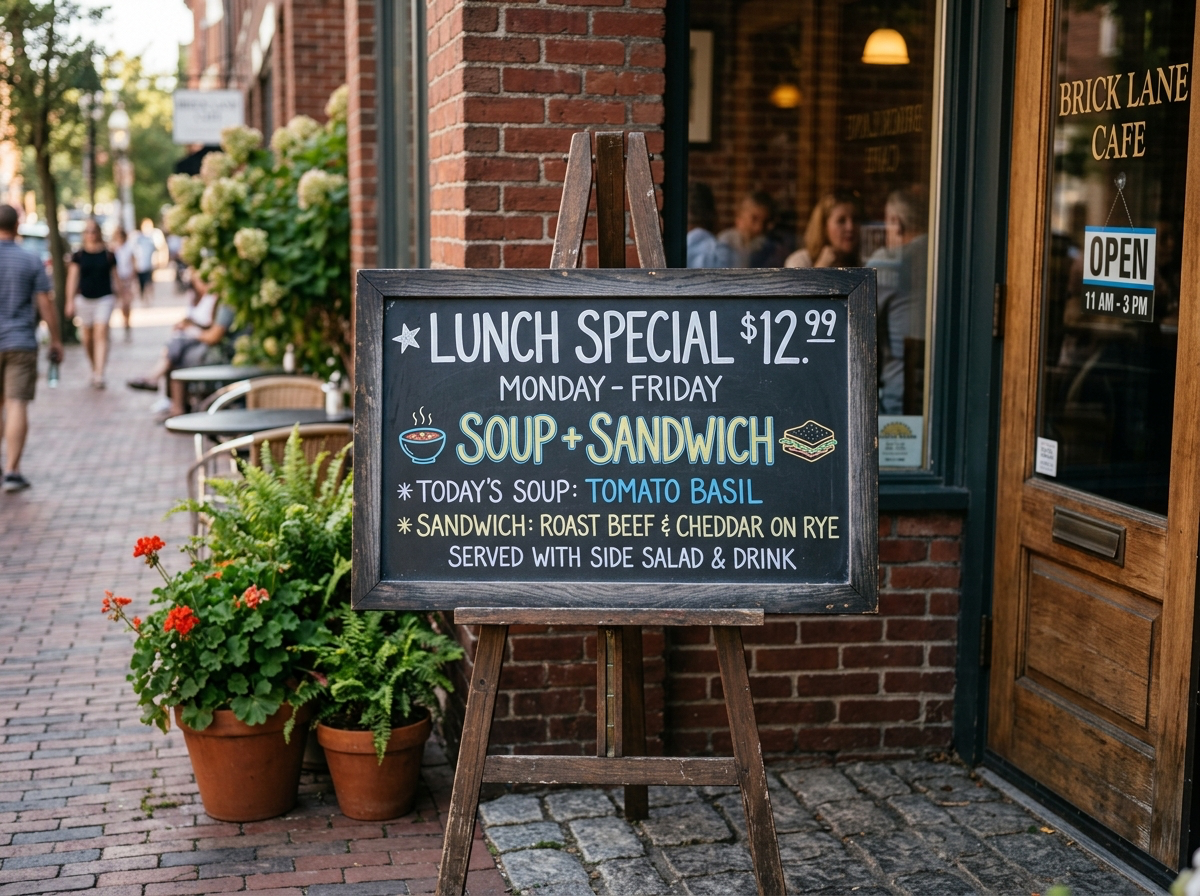
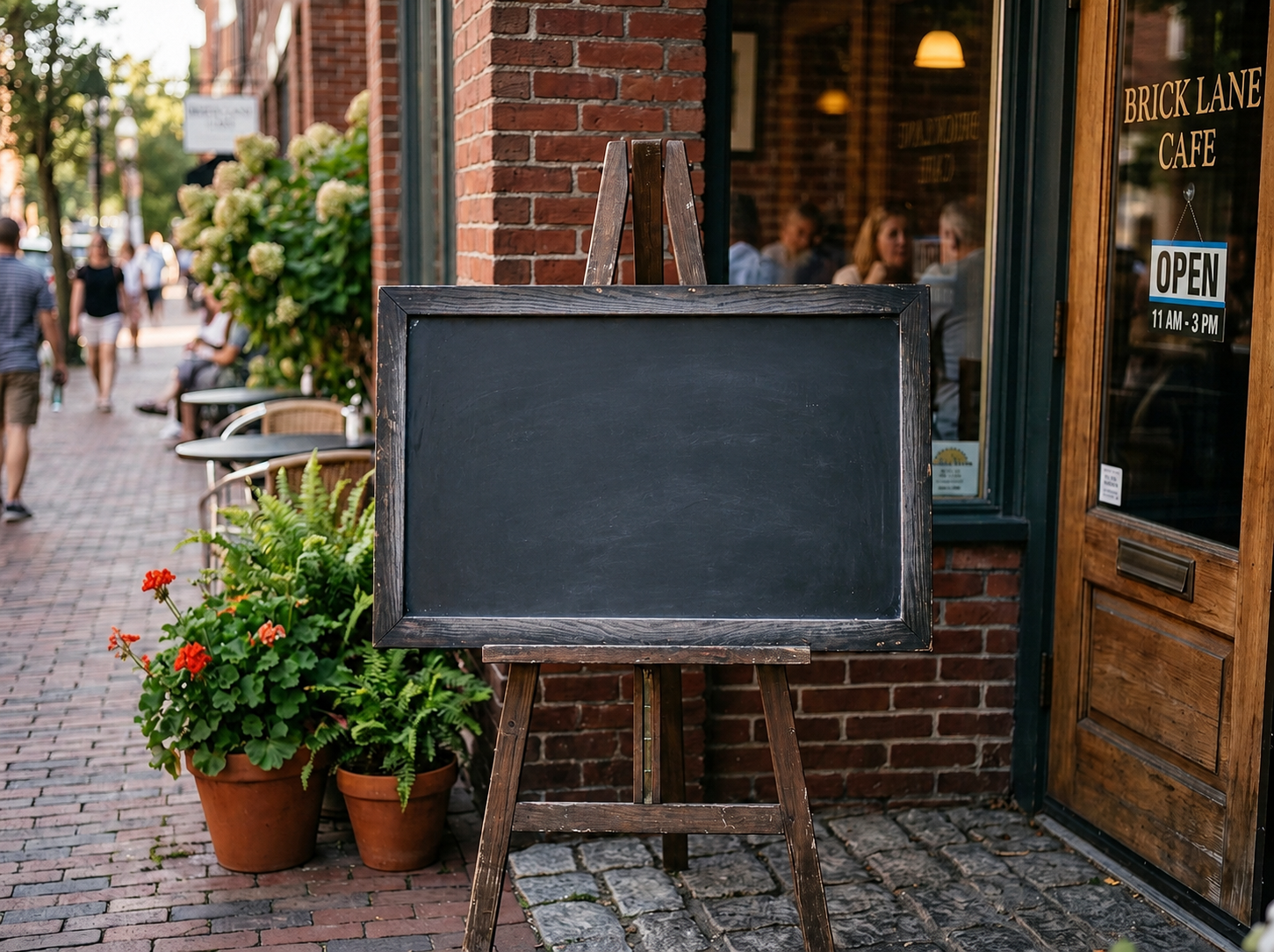
Remove text from image Before: Visible text
BeforeVisible text
Remove text from image After: Clean surface
AfterClean surface

How to clean this image

1
Upload a menu, price board, or cafe specials image (Remove old prices)
2
Brush over the outdated price, item name, or short note
3
Download the clean image, add the correct price in any design tool, and verify it is accurate before publishing

Best for

  • Restaurant menus and price boards
  • Cafe specials and seasonal menus
  • Small retail price lists

Usage rules

  • Use this only for your own menu or authorized material
  • Do not create fake receipts, invoices, or transaction records
  • Keep pricing claims accurate and current

Related pages