Back to workspace

Applicable scenarios

Retouch Portrait Photos Online

Retouch portraits by cleaning temporary blemishes, lint, flyaway hair, dust, and small background distractions.

Scenario

Use this page for light portrait cleanup when a headshot, profile photo, team photo, or personal portrait has temporary blemishes, clothing lint, small hair flyaways, dust, or background distractions. The goal is a cleaner portrait, not identity manipulation or deceptive face editing.

Before and after example

Clean up picture

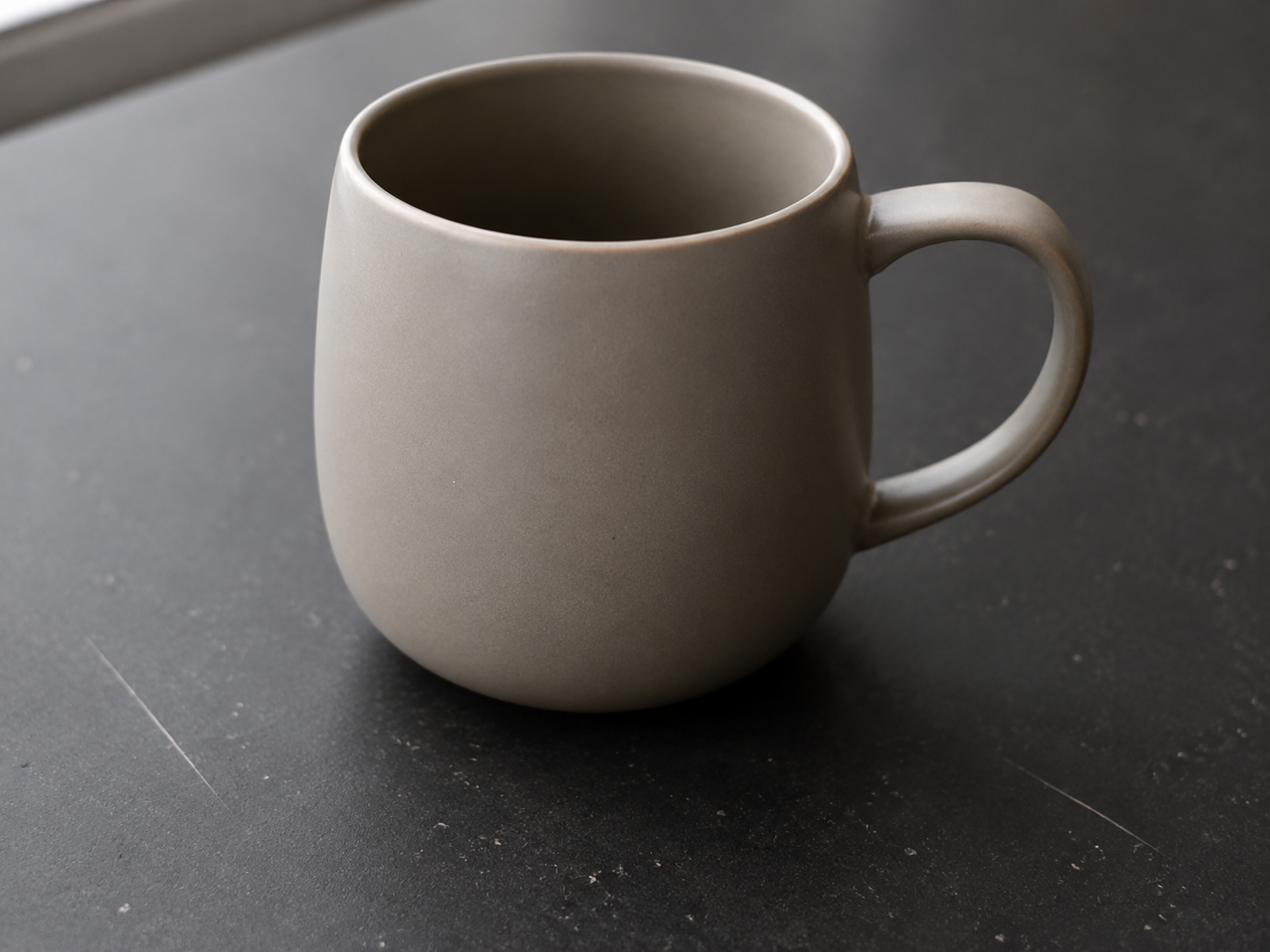
Clean up picture Before: Small blemishes
BeforeSmall blemishes
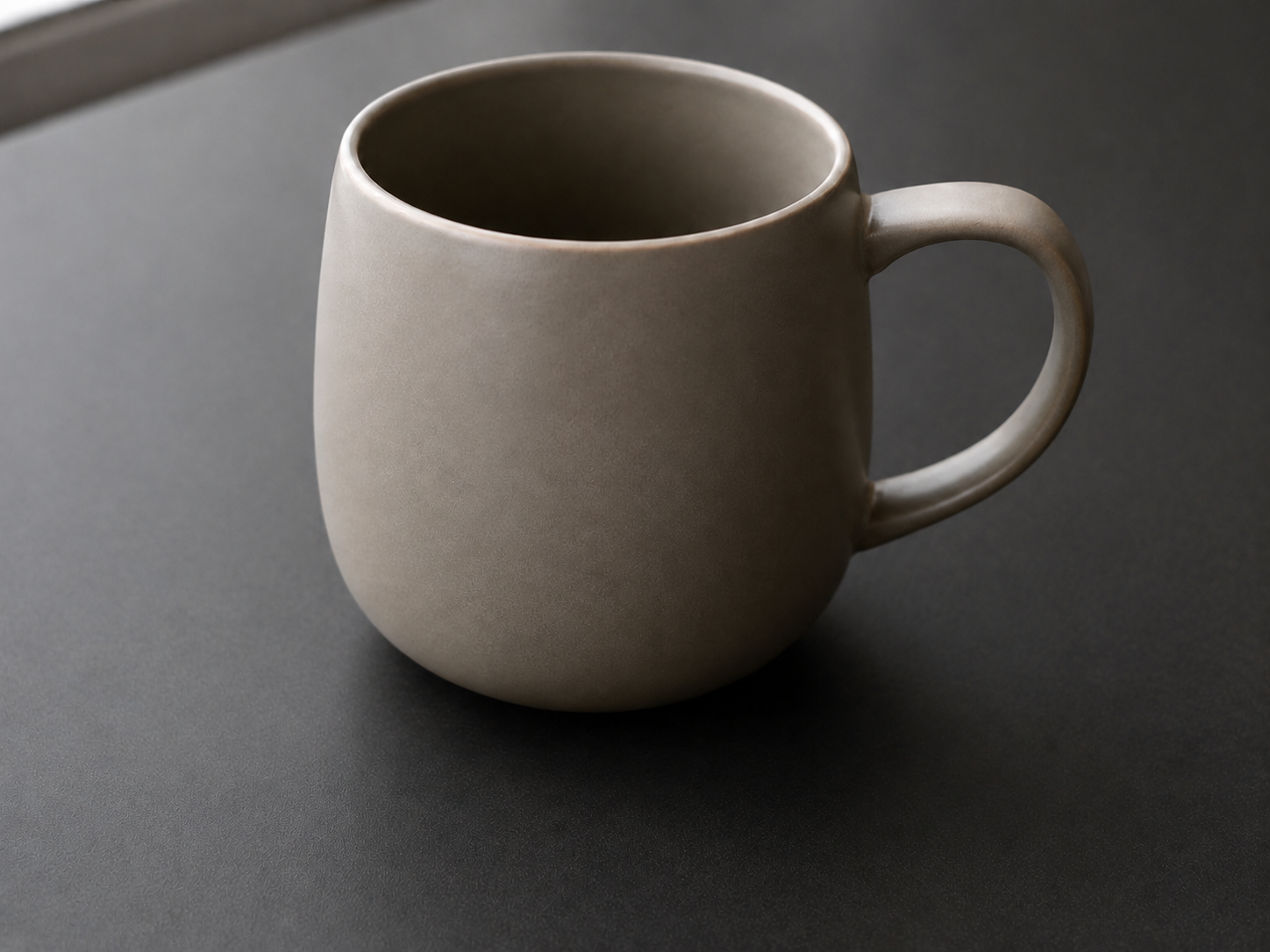
Clean up picture After: Polished image
AfterPolished image

How to clean this image

1
Upload a portrait, headshot, profile photo, or authorized team image
2
Brush small temporary blemishes, lint, dust, flyaway hair, or nearby background distractions
3
Review the edited image to make sure identity, facial structure, and context remain truthful

Best for

  • Profile photos and headshots with small temporary distractions
  • Team portraits where lint, dust, or background marks need cleanup
  • Personal photos where the subject should remain recognizable and natural

Usage rules

  • Only retouch portraits you own or are authorized to edit
  • Do not use this workflow for face manipulation, impersonation, harassment, or misleading identity edits
  • Do not alter IDs, badges, official records, consent-related images, or evidence-like screenshots

Related pages

Retouch Portrait Photos Online | CleanerPix