Back to workspace

Applicable scenarios

Remove Trash Can from Photo

Remove trash cans, bins, and small waste containers from travel, real estate, and product photos.

Scenario

Use this page when a trash can, recycling bin, street bin, or small waste container distracts from a travel scene, storefront, real estate image, event photo, or product setting. CleanerPix removes the object and reconstructs the background while leaving the truthful subject and context intact.

Before and after example

Remove unwanted objects
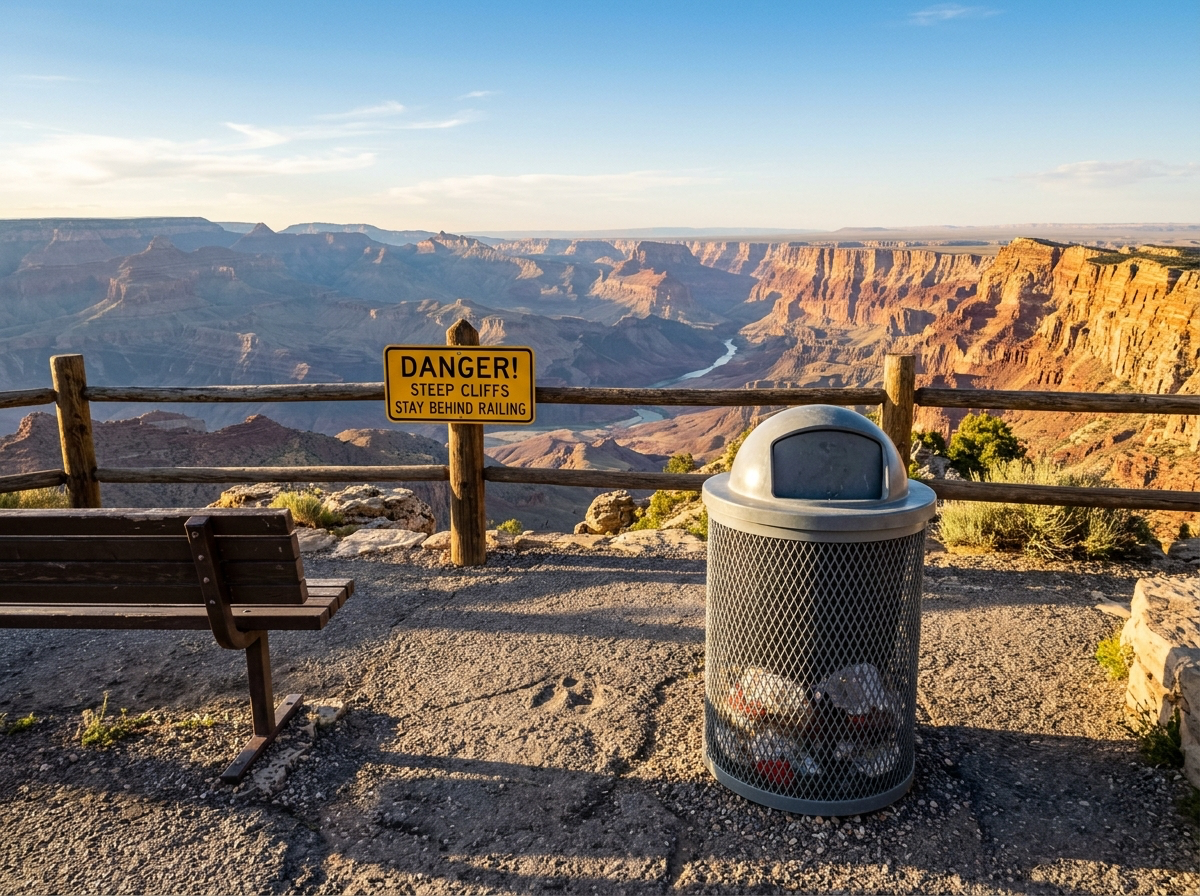

Remove unwanted objects Before: Distracting object
BeforeDistracting object
Remove unwanted objects After: Clean scene
AfterClean scene

How to clean this image

1
Upload the photo with the trash can, bin, or small waste container
2
Brush the entire object, wheels, handles, shadows, reflections, and visible edges
3
Inspect the result to make sure the scene is cleaner without becoming misleading

Best for

  • Travel and street photos with a distracting trash can
  • Real estate or venue images where a temporary bin should be cleaned up
  • Product and storefront photos where small waste containers distract from the subject

Usage rules

  • Do not remove trash, hazards, damage, or safety context from evidence-like or insurance record images
  • Do not edit official records, compliance photos, inspection images, or legal documentation
  • Only clean objects from photos you own or are authorized to modify

Related pages

Remove Trash Can from Photo | CleanerPix