Back to workspace

Applicable scenarios

Remove Subtitles from Image

Remove subtitle text, hardcoded captions, and lower-third overlays from authorized still images.

Scenario

Use this page when a still image, frame grab, thumbnail, or authorized visual has subtitle text or a lower-third overlay that should be cleaned for reuse. The workflow targets visible text while preserving the background, subject, and composition.

Before and after example

Remove text from image

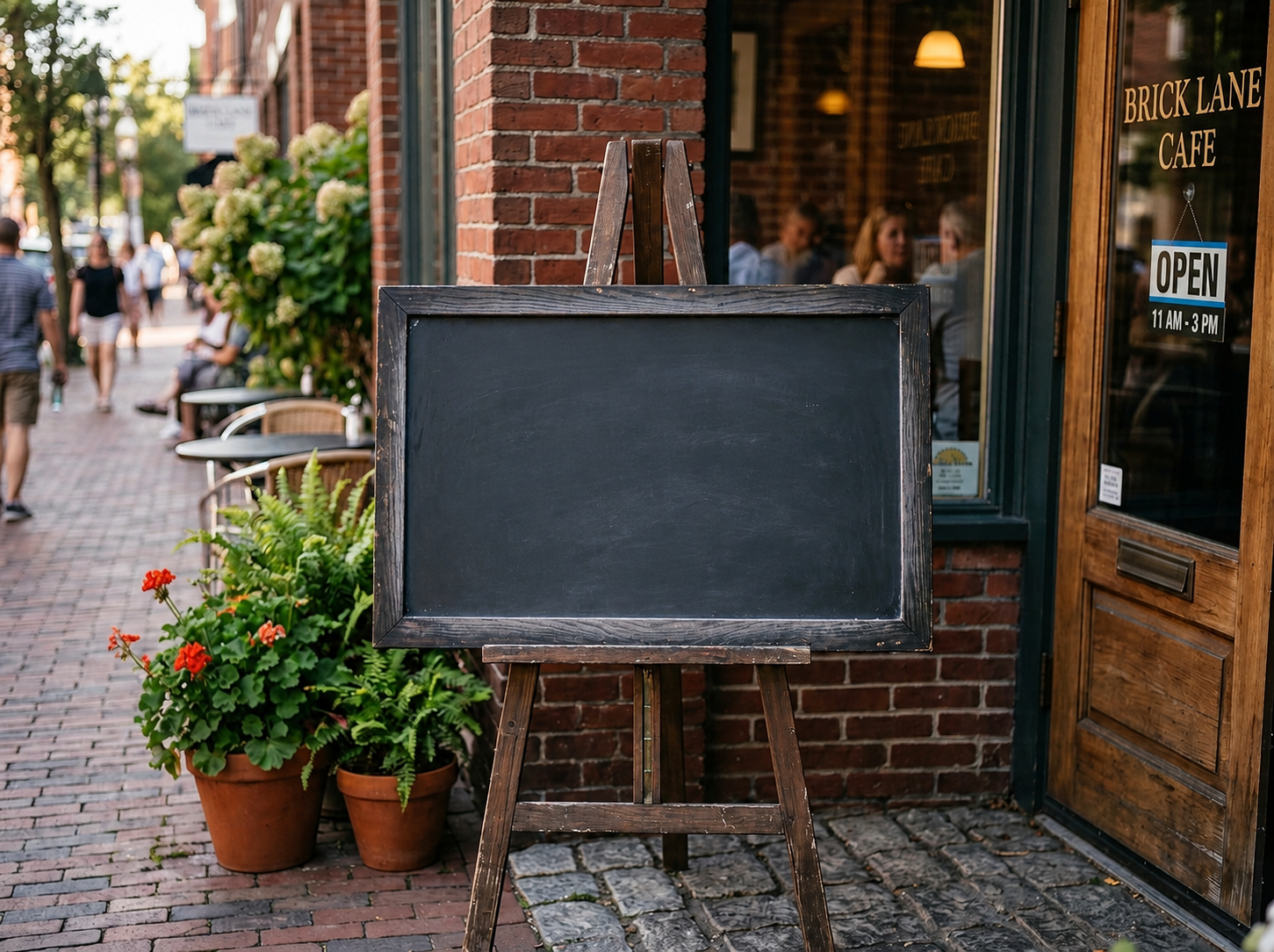
Remove text from image Before: Visible text
BeforeVisible text
Remove text from image After: Clean surface
AfterClean surface

How to clean this image

1
Upload the authorized still image, thumbnail, frame grab, or design asset
2
Brush over every subtitle line, outline, shadow, and translucent text background
3
Review the cleaned frame and confirm rights, context, and meaning remain accurate

Best for

  • Authorized thumbnails with burned-in subtitles
  • Presentation or promo images with lower-third text
  • Design drafts where subtitle overlays need to be cleared before localization

Usage rules

  • Do not remove subtitles from copyrighted or platform content without permission
  • Do not alter legal records, news evidence, payment records, chat screenshots, or misleading screenshots
  • Do not remove context that changes the meaning of quoted speech or consent

Related pages

Remove Subtitles from Image | CleanerPix