Back to workspace

Applicable scenarios

Remove a Photobomber from a Photo

Remove a photobomber or accidental background person from personal and authorized photos.

Scenario

Use this page when a portrait, group photo, event snapshot, or travel image is disrupted by an accidental photobomber or background person. The workflow is meant for cleanup of your own or authorized images, while keeping identities, event context, and consent boundaries intact.

Before and after example

Remove background people
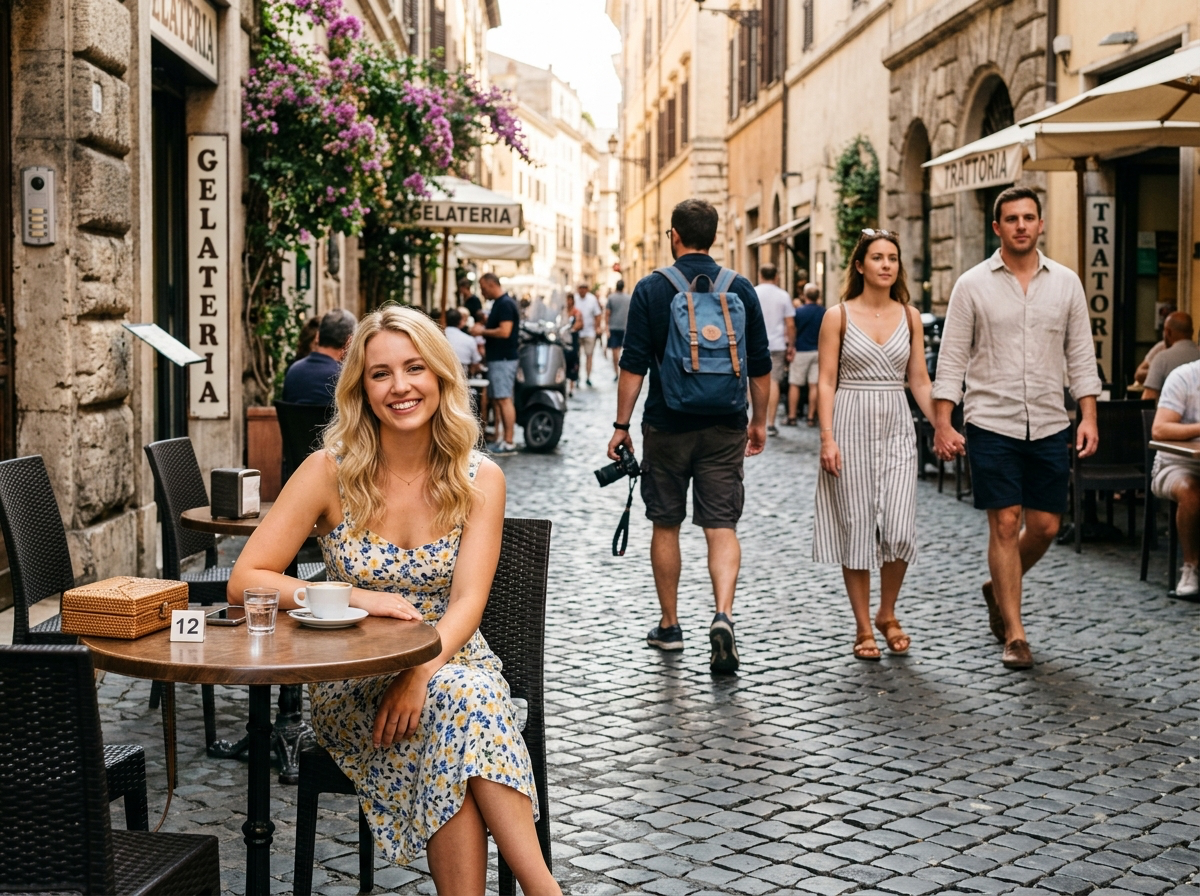

Remove background people Before: Crowded photo
BeforeCrowded photo
Remove background people After: Clean subject
AfterClean subject

How to clean this image

1
Upload the photo with the accidental person or photobomber
2
Brush the full person plus nearby shadows, reflections, and overlapping edges
3
Check the result for natural background reconstruction and truthful scene context

Best for

  • Personal portraits interrupted by a background person
  • Group and event photos where an accidental photobomber distracts from the subject
  • Travel photos where one passerby is close to the main subject

Usage rules

  • Do not use people removal for harassment, impersonation, identity manipulation, or non-consensual edits
  • Do not alter legal records, news evidence, workplace incidents, or security screenshots
  • Only remove people from photos you own or are authorized to edit

Related pages

Remove a Photobomber from a Photo | CleanerPix