Back to workspace

Applicable scenarios

Remove Overlay from Image

Remove decorative overlays, temporary badges, and non-required stickers from authorized images.

Scenario

Use this page when an image has a temporary badge, decorative sticker, reaction layer, promo overlay, or draft marker that should be cleared before reuse. This workflow is for authorized cleanup where removing the overlay does not hide ownership, required disclosures, copyright context, or important factual information.

Before and after example

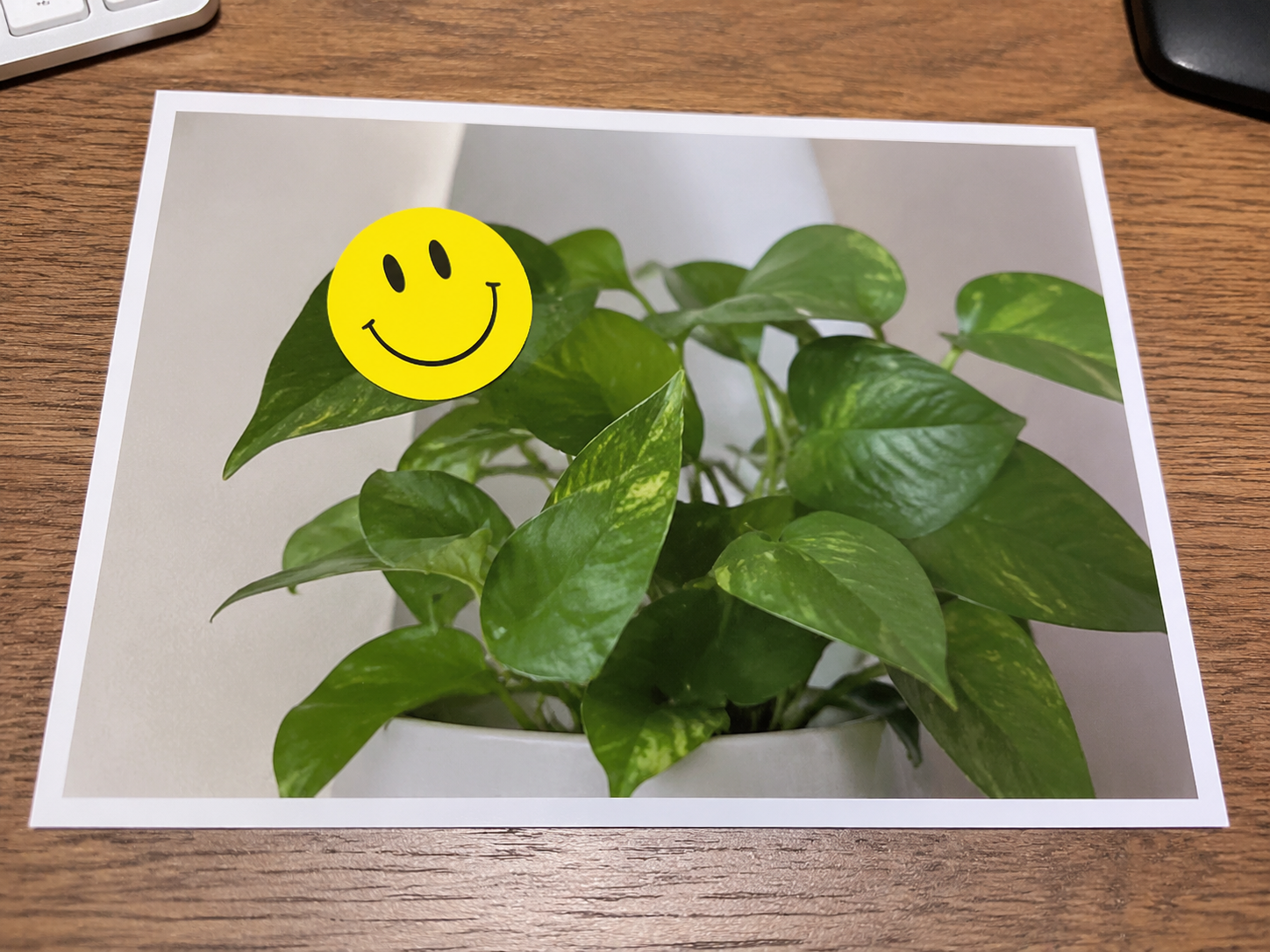
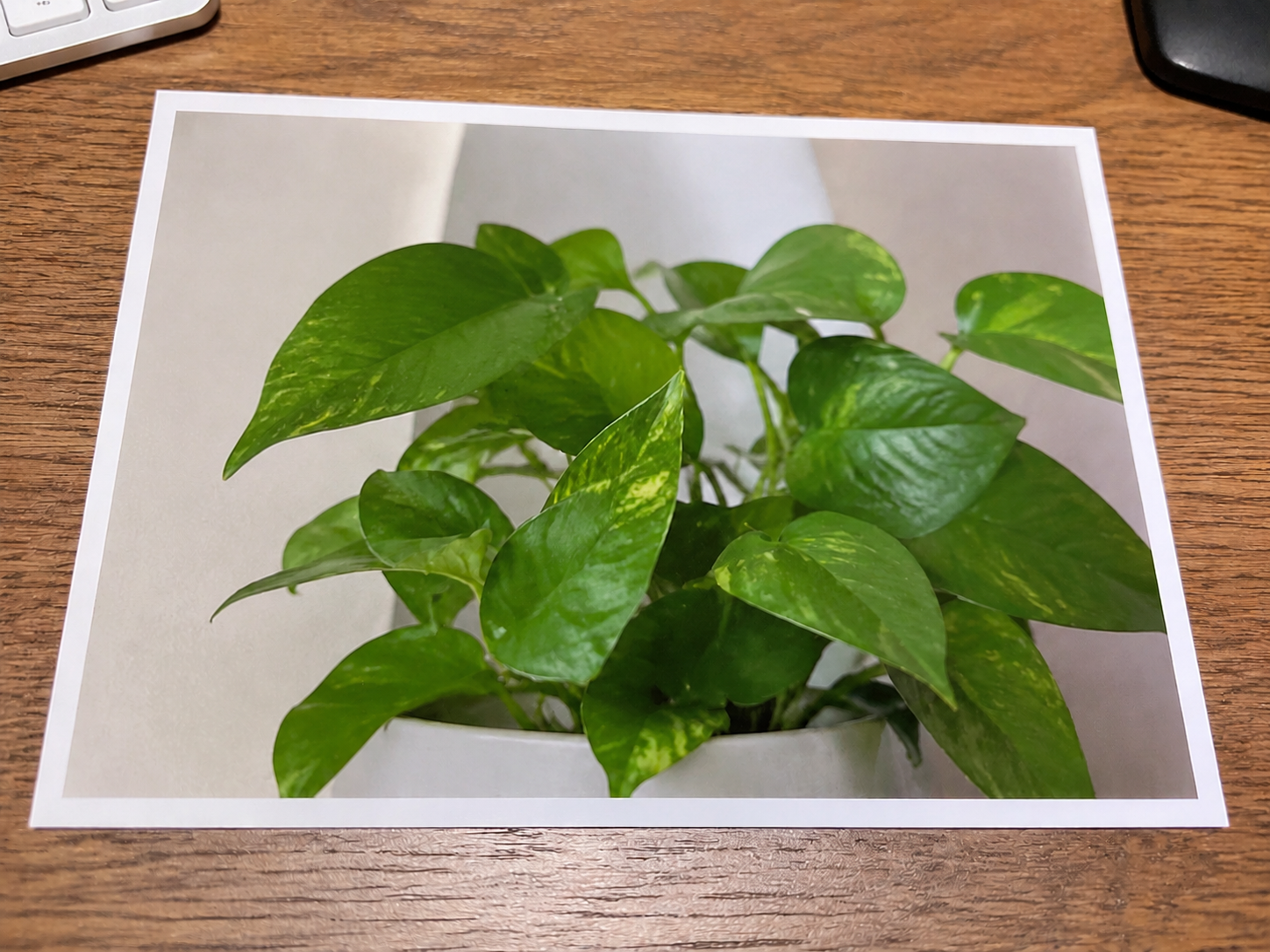
Remove stickers

Remove stickers Before: Sticker overlay
BeforeSticker overlay
Remove stickers After: Natural image
AfterNatural image

How to clean this image

1
Upload the authorized image with a sticker, badge, draft marker, or decorative overlay
2
Brush the complete overlay, including borders, shadows, transparent edges, and repeated elements
3
Check that the cleaned image does not remove required context, ownership information, or safety disclosures

Best for

  • Design drafts with temporary approval stickers or layout markers
  • Owned social images with decorative overlays or reaction badges
  • Authorized marketing images where non-required overlays need cleanup

Usage rules

  • Do not remove watermarks, copyright notices, ownership marks, trademarks, or required disclosures
  • Do not alter legal records, receipts, payment screenshots, compliance images, or evidence-like content
  • Only remove overlays from images you own or have explicit authorization to modify

Related pages

Remove Overlay from Image | CleanerPix