Back to workspace

Applicable scenarios

Remove Logo from Own Product Photo

Remove old logos, draft marks, or temporary branding from product photos you own or are authorized to edit.

Scenario

Use this page when your own product photo, packaging draft, marketplace image, or authorized marketing asset contains an old logo, temporary brand mark, or internal draft label that should be cleaned before reuse. The edit should preserve product truth, legal disclosures, safety labels, and ownership context.

Before and after example

Remove authorized logo
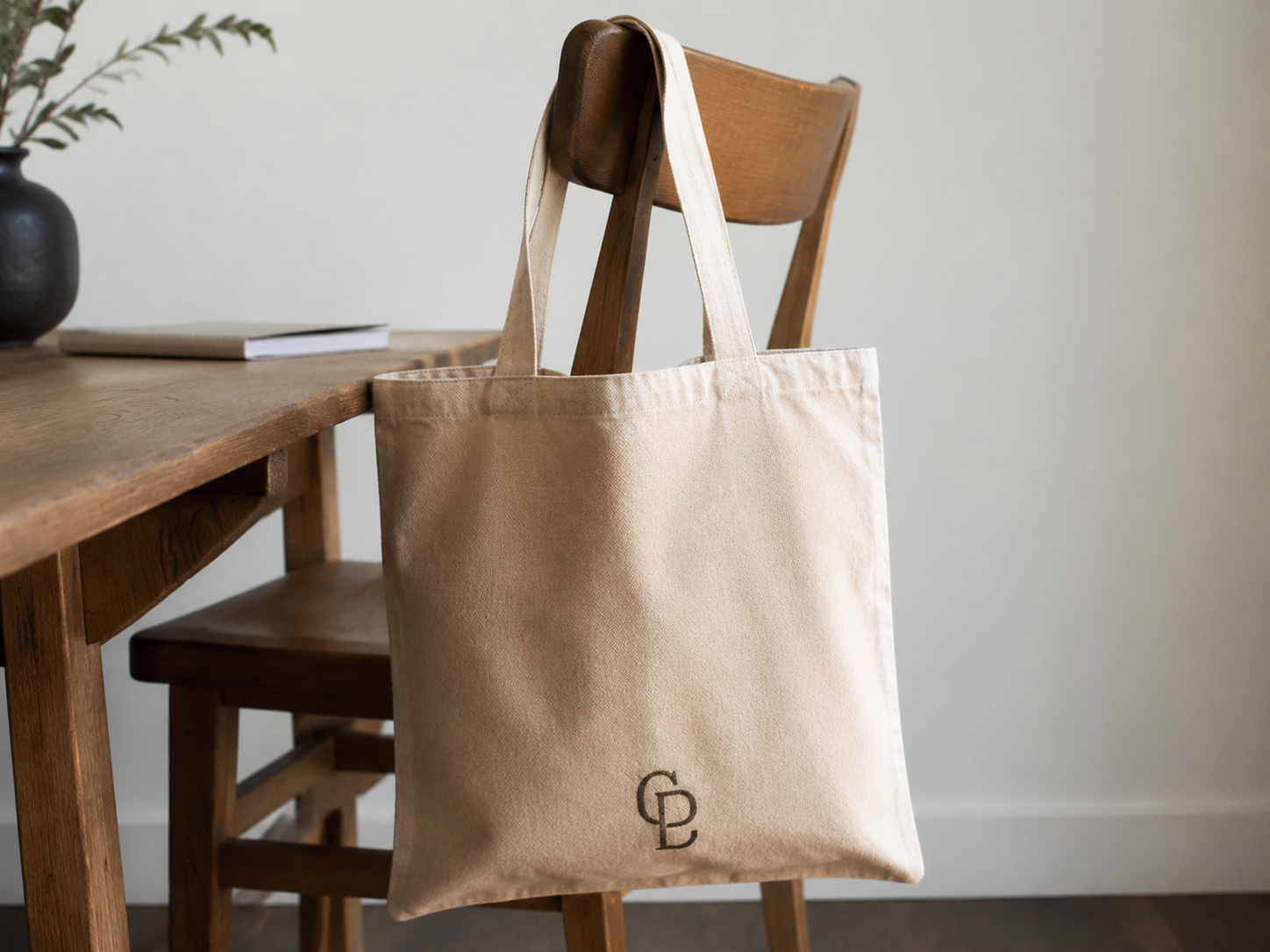
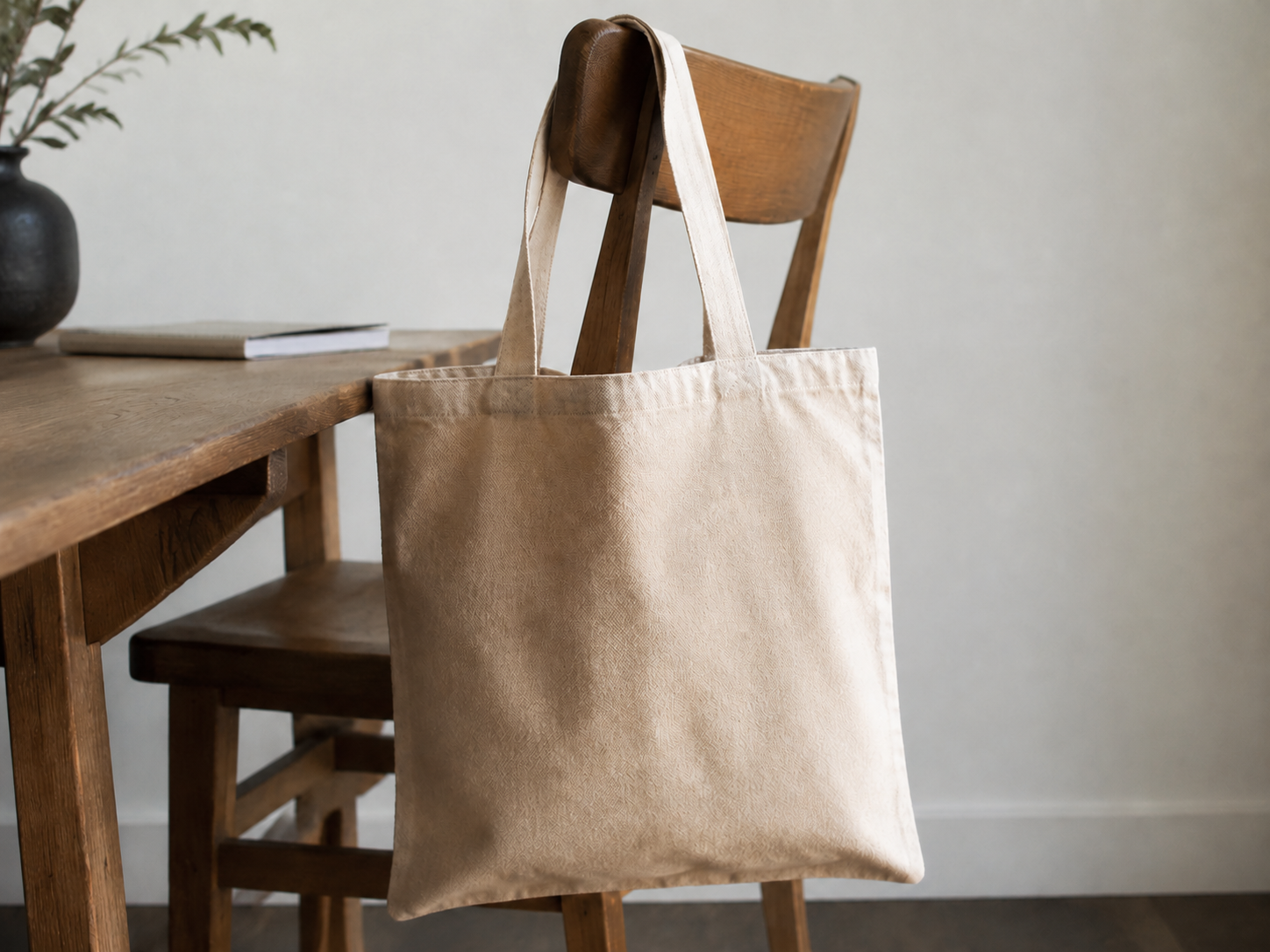
Remove authorized logo Before: Logo mark
BeforeLogo mark
Remove authorized logo After: Clean area
AfterClean area

How to clean this image

1
Upload the product photo, package draft, or owned marketing image you are allowed to edit
2
Brush the old logo, draft mark, temporary branding, shadow, outline, and surrounding artifacts
3
Confirm that product identity, warnings, ingredients, certifications, and sale terms remain accurate

Best for

  • Owned product photos with old campaign marks or temporary branding
  • Packaging drafts where an internal logo needs cleanup before review
  • Authorized marketplace images that need a non-required brand mark removed

Usage rules

  • Do not remove required trademarks, safety labels, certifications, ingredients, ownership marks, or legal disclosures
  • Do not edit competitor product photos, counterfeit goods, receipts, invoices, bank records, or legal documents
  • Only remove logos from product images you own or are explicitly authorized to modify

Related pages

Remove Logo from Own Product Photo | CleanerPix