Back to workspace

Applicable scenarios

Remove Label from Product Photo

Remove temporary labels, old stickers, and unwanted text tags from product photos you are allowed to edit.

Scenario

Use this page when a product photo contains a temporary label, old campaign sticker, draft tag, shelf label, or text marker that should be cleaned before reuse. The goal is visual cleanup while keeping product identity, safety information, and claims truthful.

Before and after example

Remove text from image
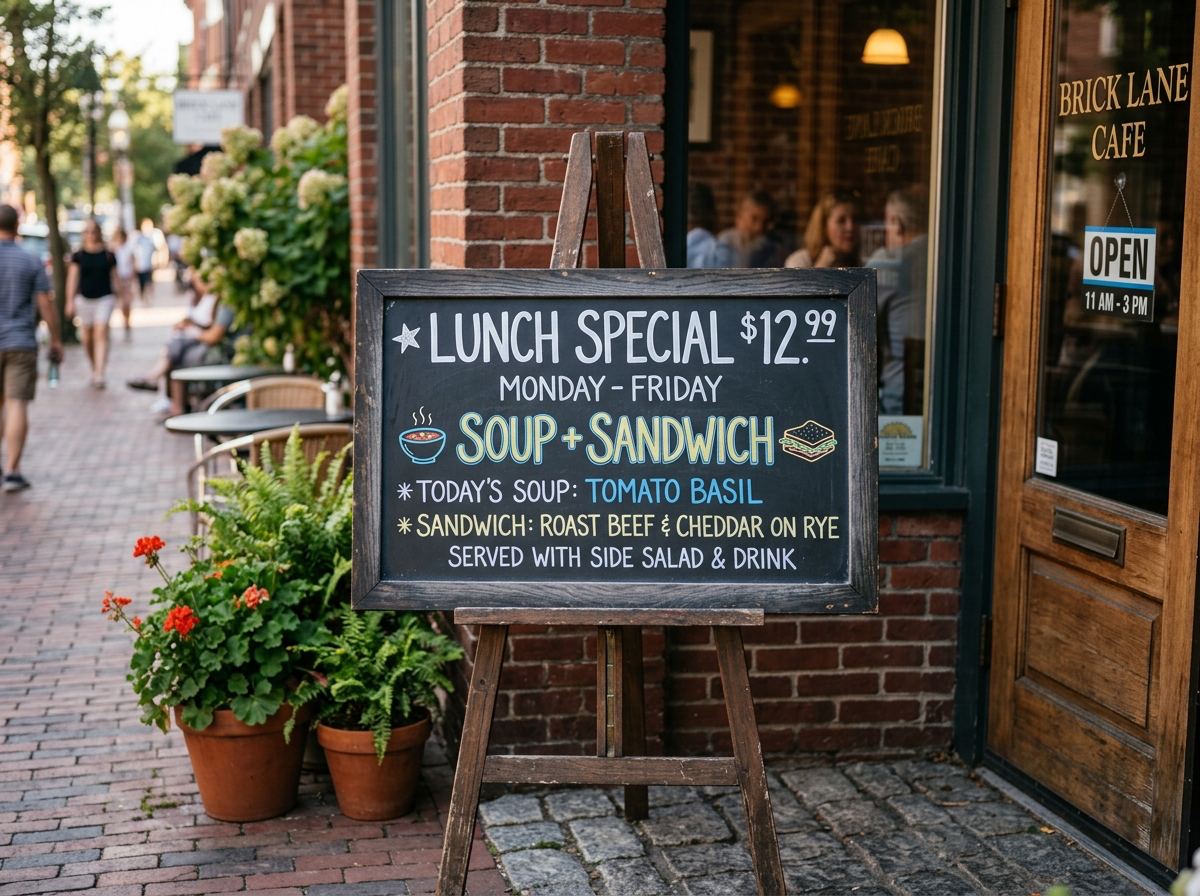
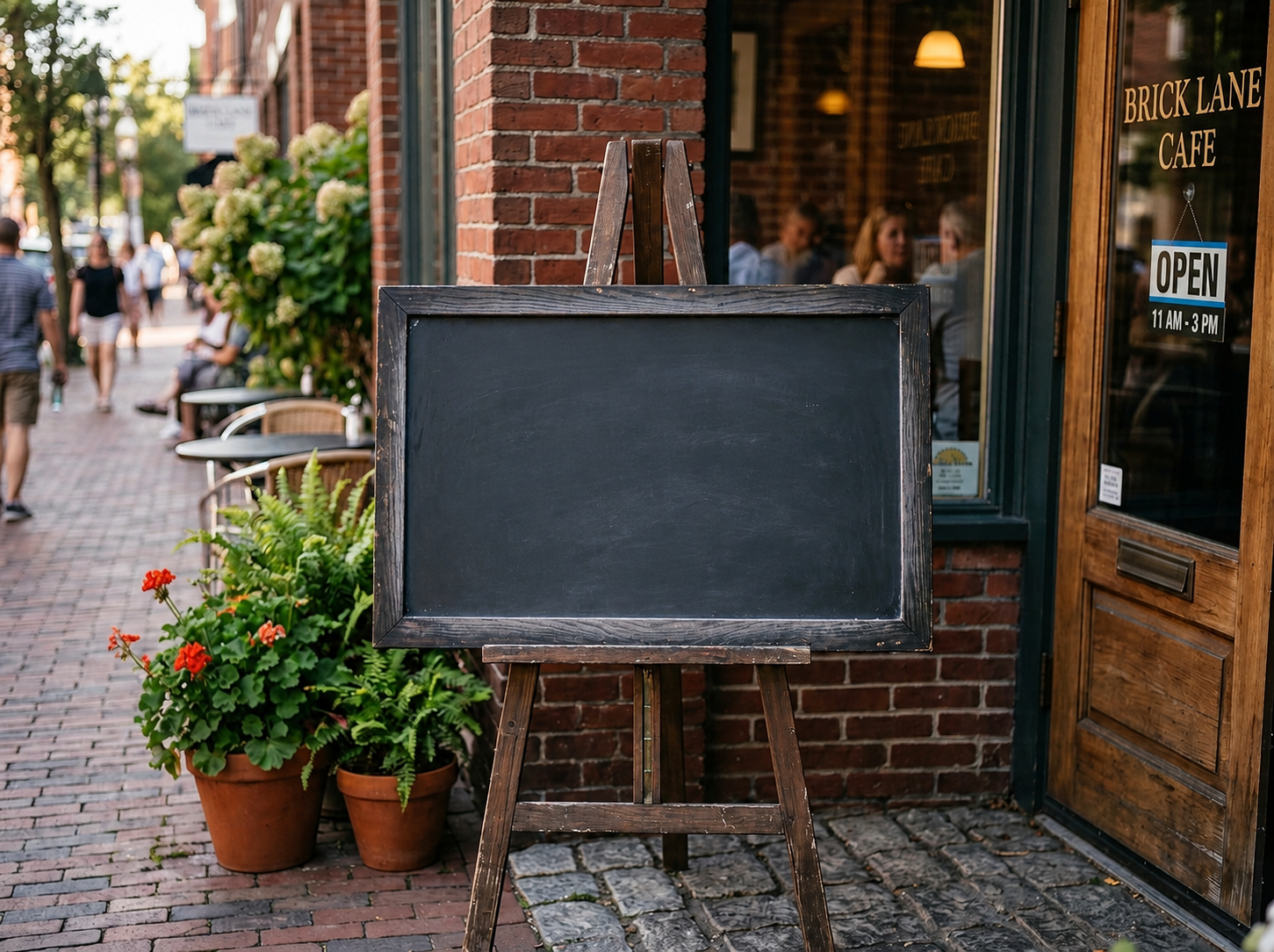
Remove text from image Before: Visible text
BeforeVisible text
Remove text from image After: Clean surface
AfterClean surface

How to clean this image

1
Upload the authorized product photo, packaging shot, or listing image
2
Brush the label, text tag, old campaign sticker, or temporary marker
3
Confirm the result does not remove required warnings, ingredients, certifications, or legal information

Best for

  • Owned product photos with temporary labels or draft tags
  • Marketplace listing images with old campaign text
  • Authorized packaging photos where non-required labels distract from the product

Usage rules

  • Do not remove required warnings, regulated labels, certifications, ingredients, or legal disclosures
  • Do not alter receipts, invoices, bank records, shipping labels, or other official records
  • Only edit product photos you own or are authorized to modify

Related pages

Remove Label from Product Photo | CleanerPix