Back to workspace

Applicable scenarios

Clean Up Travel Photos Online

Clean travel photos by removing background clutter, trash cans, signs, cables, and unwanted objects from authorized images.

Scenario

Use this page when a travel photo has a great subject but also includes trash cans, cables, signs, temporary barriers, benches, bags, or other unwanted objects. CleanerPix can help remove distractions while preserving the landmark, landscape, street, beach, or venue context.

Before and after example

Remove unwanted objects
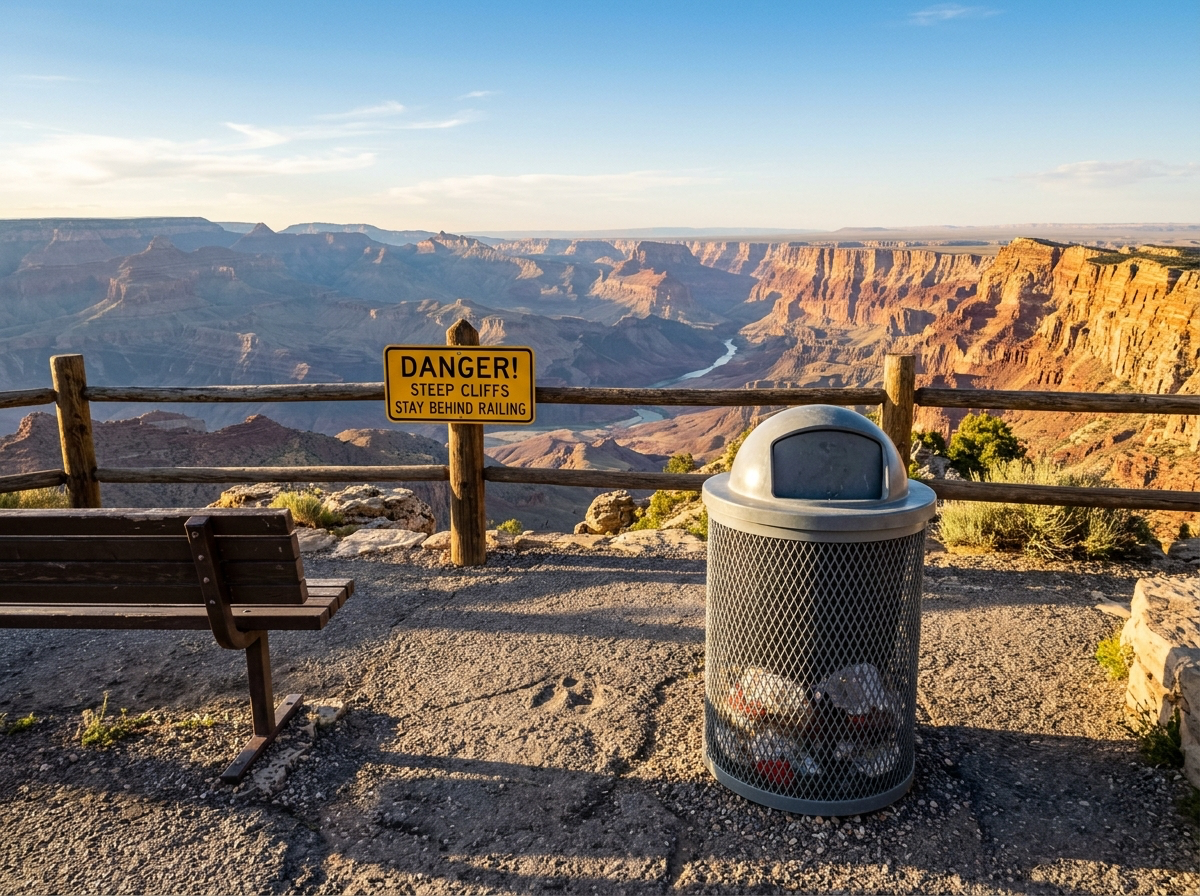
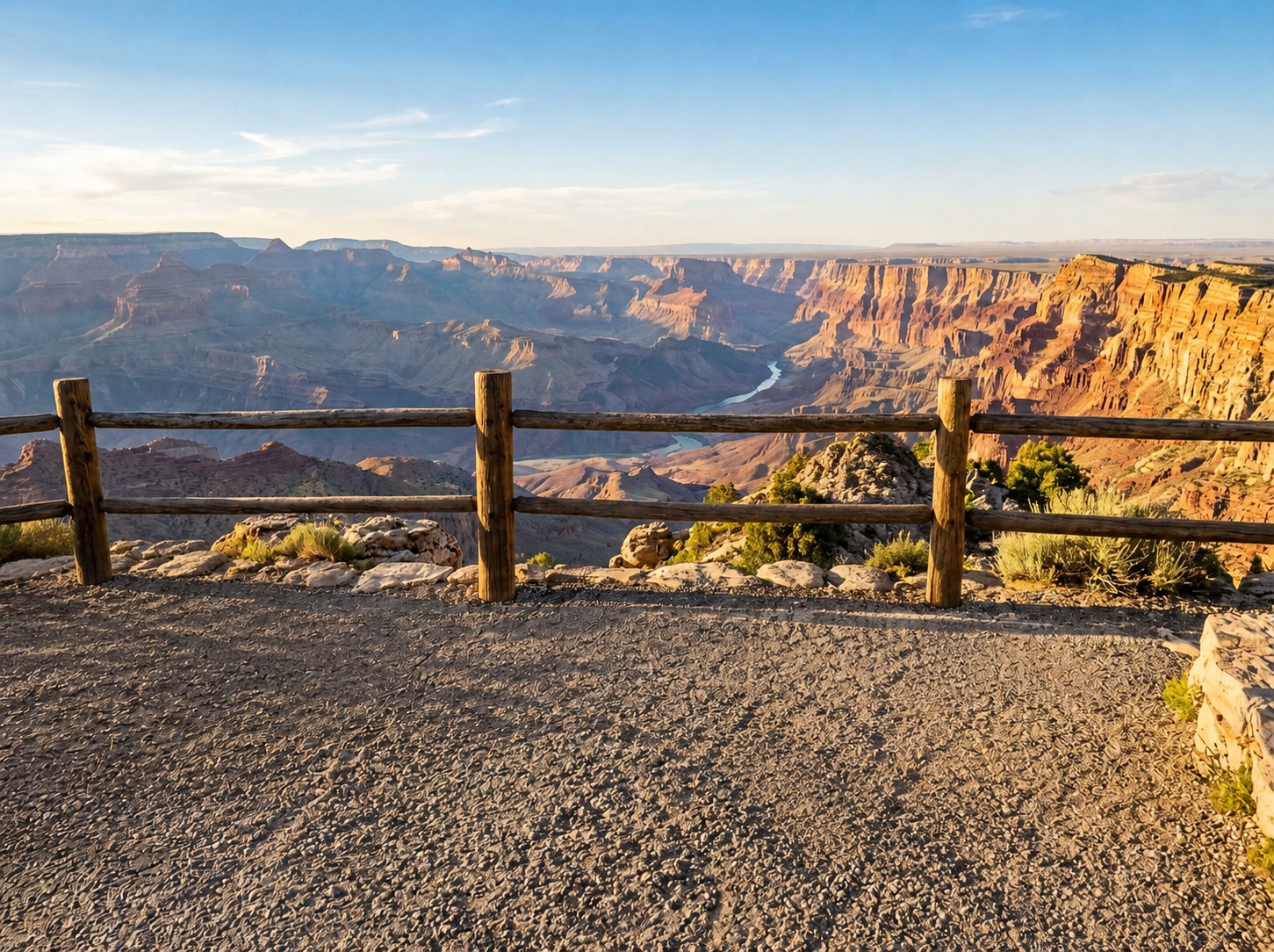
Remove unwanted objects Before: Distracting object
BeforeDistracting object
Remove unwanted objects After: Clean scene
AfterClean scene

How to clean this image

1
Upload the travel, landscape, street, beach, or venue photo you are allowed to edit
2
Brush the object, cable, trash can, sign, barrier, or clutter that should be removed
3
Review the reconstructed background and confirm the final photo is not misleading

Best for

  • Travel photos with background objects, signs, cables, or trash cans
  • Landscape and street photos where small distractions pull attention away
  • Personal trip photos that need cleanup before sharing or printing

Usage rules

  • Only edit travel photos you own or have permission to modify
  • Do not remove safety signs, required disclosures, or information that changes the meaning of a scene
  • Do not alter official records, tickets, documents, receipts, or evidence-like images

Related pages

Clean Up Travel Photos Online | CleanerPix