Back to workspace

Applicable scenarios

Clean Old Photos and Remove Scratches

Clean old photos online by removing scratches, dust, paper marks, and small blemishes from family or archival images.

Scenario

Use this page when an old scan or family photo has scratches, dust, stains, paper texture, faded marks, or small damage that distracts from the original scene. CleanerPix helps repair visible defects while keeping the people, objects, and historical context intact.

Before and after example

Clean up picture

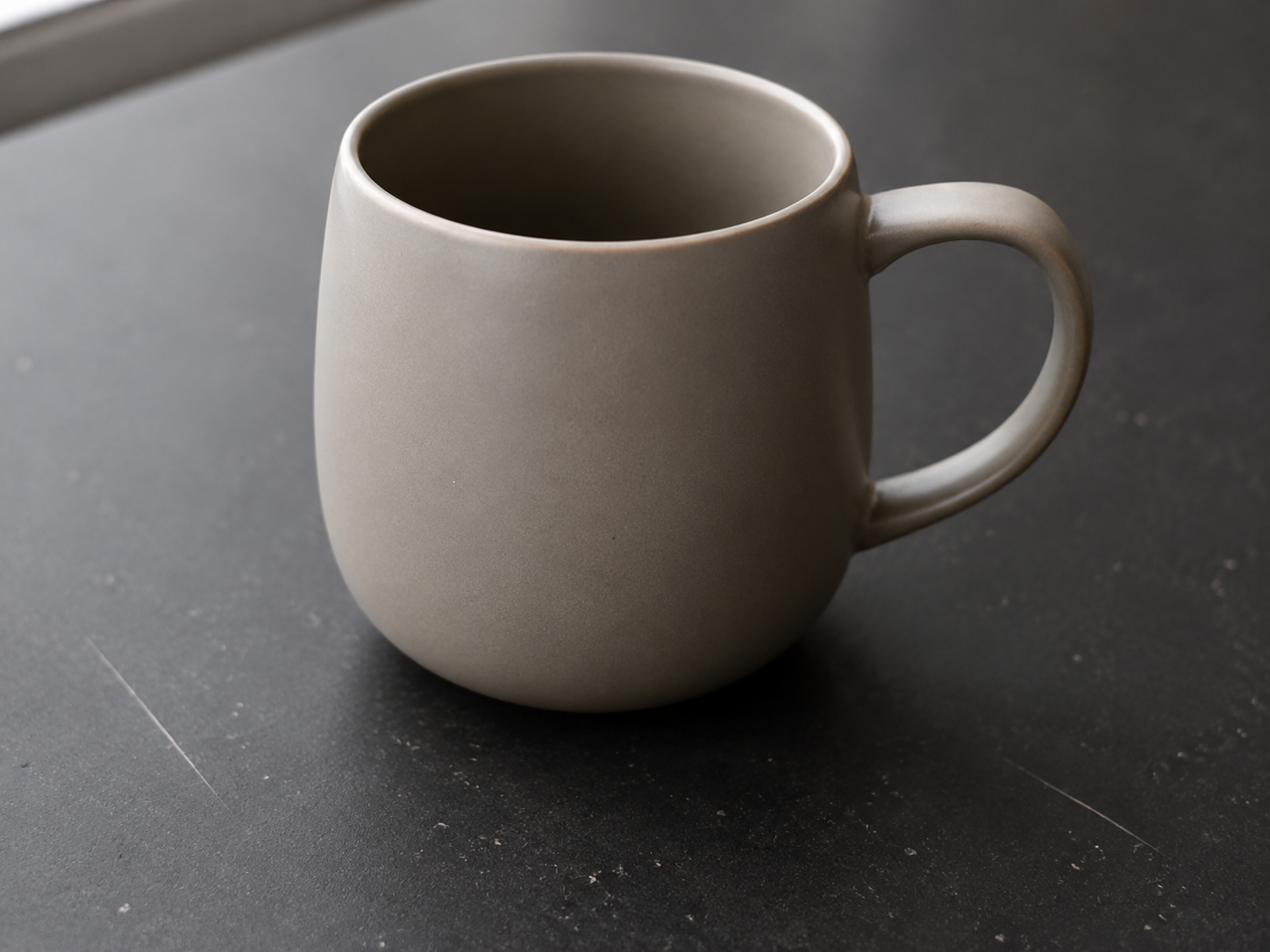
Clean up picture Before: Small blemishes
BeforeSmall blemishes
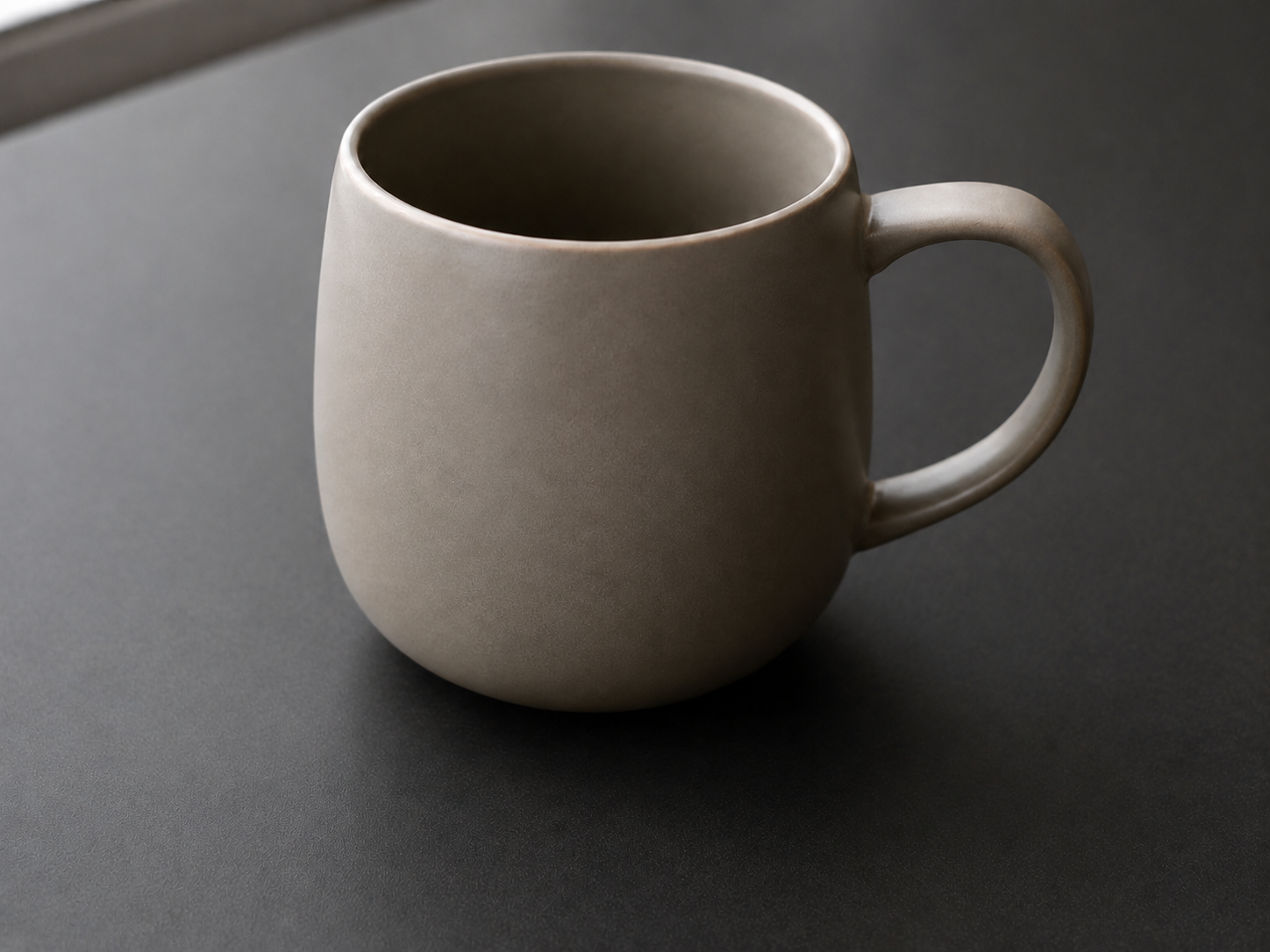
Clean up picture After: Polished image
AfterPolished image

How to clean this image

1
Upload the scanned photo, phone capture, or authorized archive image
2
Brush only the scratches, dust spots, stains, paper marks, or minor defects
3
Check that faces, dates, signatures, documents, and important historical details are not changed

Best for

  • Family photos with dust, scratches, or paper damage
  • Personal archive images that need light cleanup before sharing
  • Restoration drafts where the goal is cleanup rather than changing the scene

Usage rules

  • Only restore photos you own, inherited, or are authorized to edit
  • Do not alter IDs, legal documents, certificates, official records, or evidence-like images
  • Keep historically important details visible unless you have a clear restoration reason

Related pages

Clean Old Photos and Remove Scratches | CleanerPix